


Technical Aspects of World-Hacking in Mobile Shooters (Based on Standoff 2)
1. Introduction: The Evolution of Mobile ModsWith the transition of competitive gaming to mobile platforms (Android/iOS), methods of exploiting...
Read more
24.08.2026

If you're a developer, a tech enthusiast, or just starting your own startup, you probably already have your favorite tools: GitHub, Stack Overflow, Figma, Notion, and so on. But admit it, how much time do you spend searching for truly useful , yet uniquely relevant, websites?
In this article, I've compiled 10 rare but incredibly useful resources that aren't often featured in collections, but are definitely worth bookmarking . Some will simplify your development, others will help you at the ideation or prototyping stage, and still others will inspire you to start a new project.
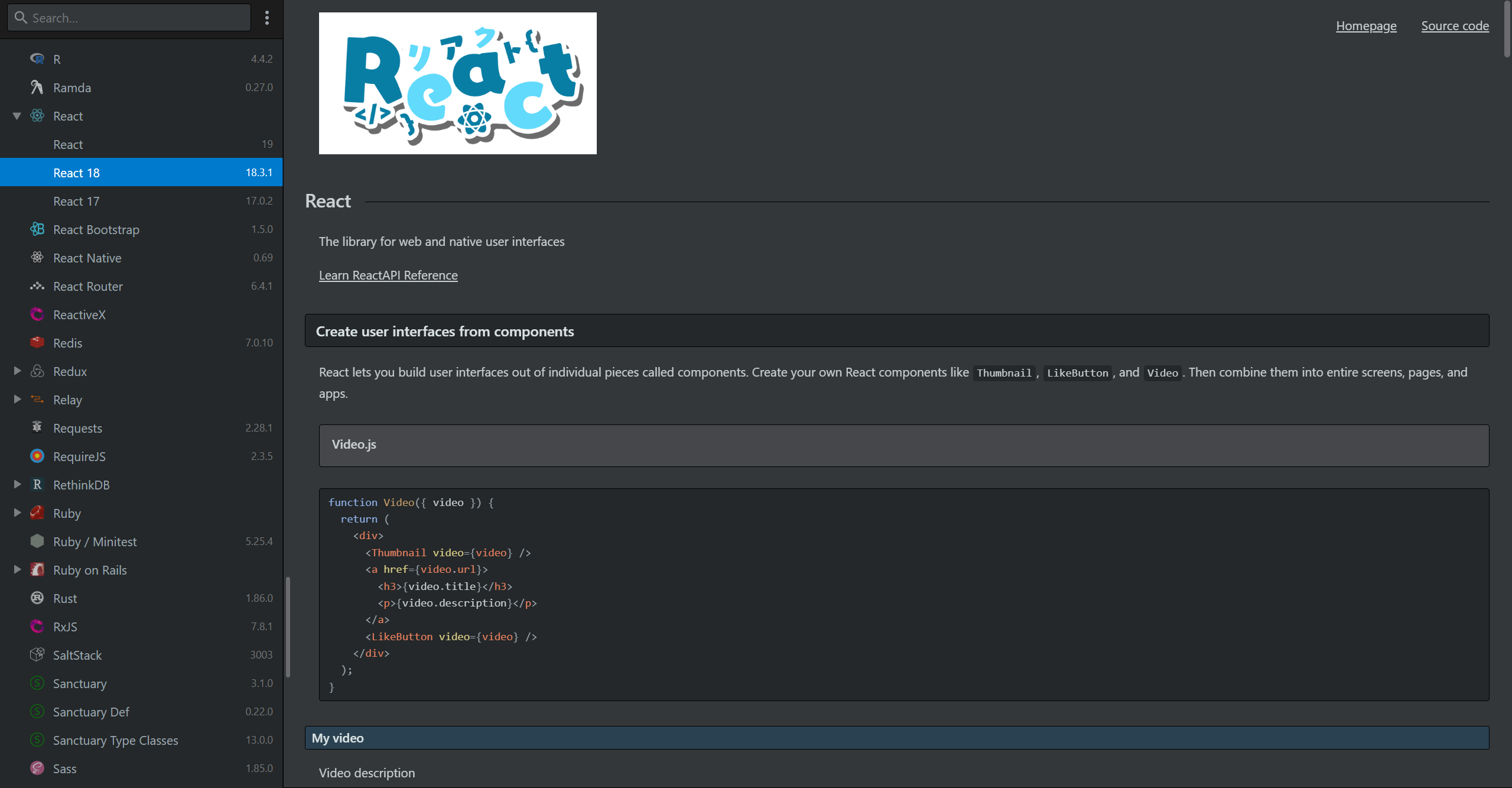
📍 Website: https://devdocs.io
If you've ever gotten lost on MDN or struggled with slow documentation for React or Vue, know this: you're not alone. DevDocs is a real find. This site combines over 100 documentations for languages, frameworks, and libraries into one minimalist and fast interface that can be customized to your stack.
🔥 Features:
🧩 Ideal for: front-end developers, juniors, those who are learning and don’t want to waste time on a thousand tabs.
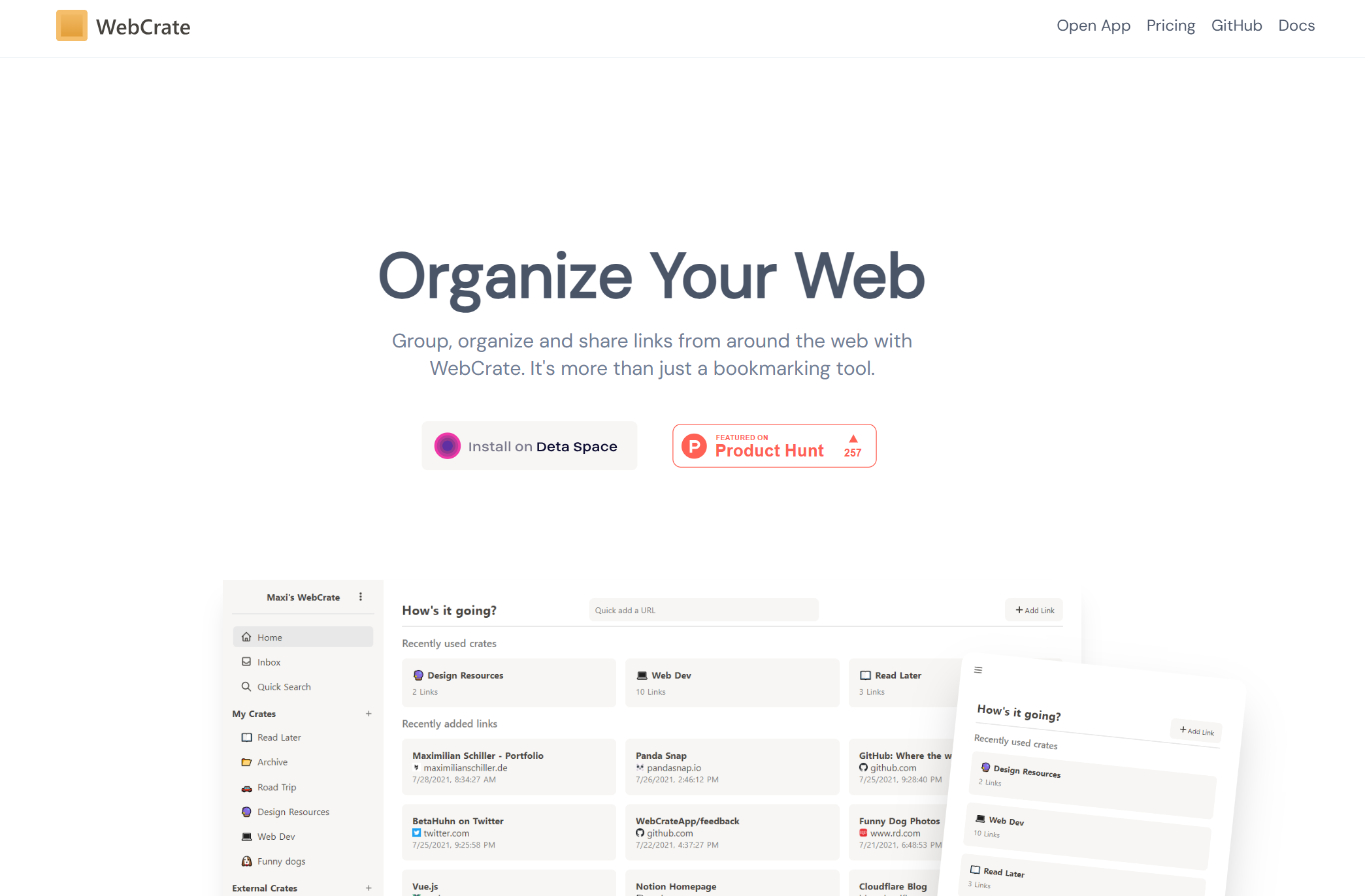
📍 Website: https://webcrate.app
WebCrate isn't just bookmarks; it's organized collections of links that you can format, share, and export. It's especially great if you're researching a topic (for example, for a startup), saving collections from Reddit/YouTube/Dev.to, or want to maintain a knowledge base of useful materials.
🛠 Why you should try it:
💡 Great to use when working in a team to avoid losing materials found in the news feed.
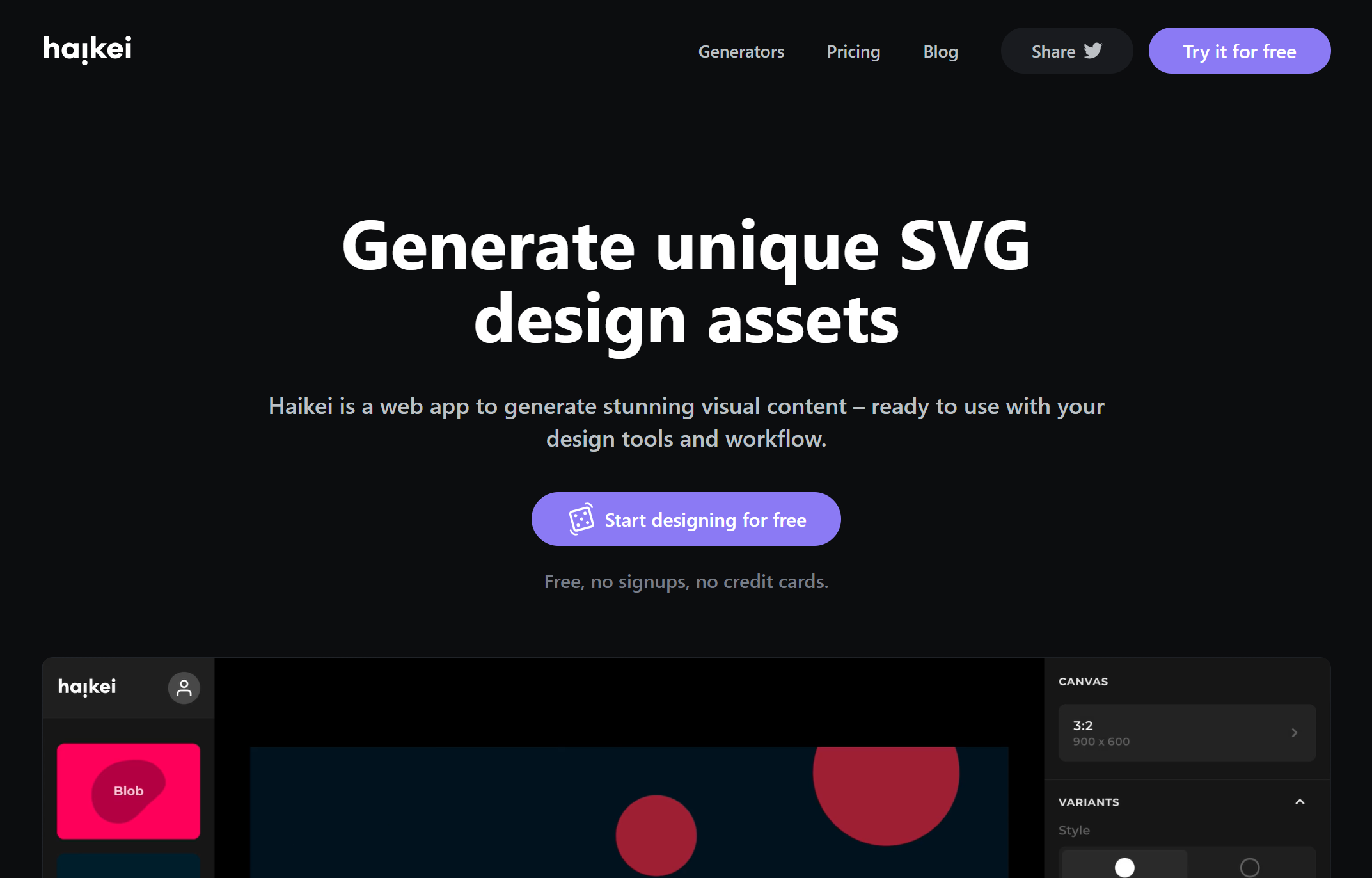
📍 Website: https://haikei.app
Are you creating a landing page, a Telegram bot, or an MVP? Don't want to waste time on design, but still want something stylish? Then Haikei is the perfect generator for SVG backgrounds, waves, patterns, and abstract shapes.
⚡ Features:
🎯 Convenient for prototyping, quick design of websites, projects, presentations or even NFT.
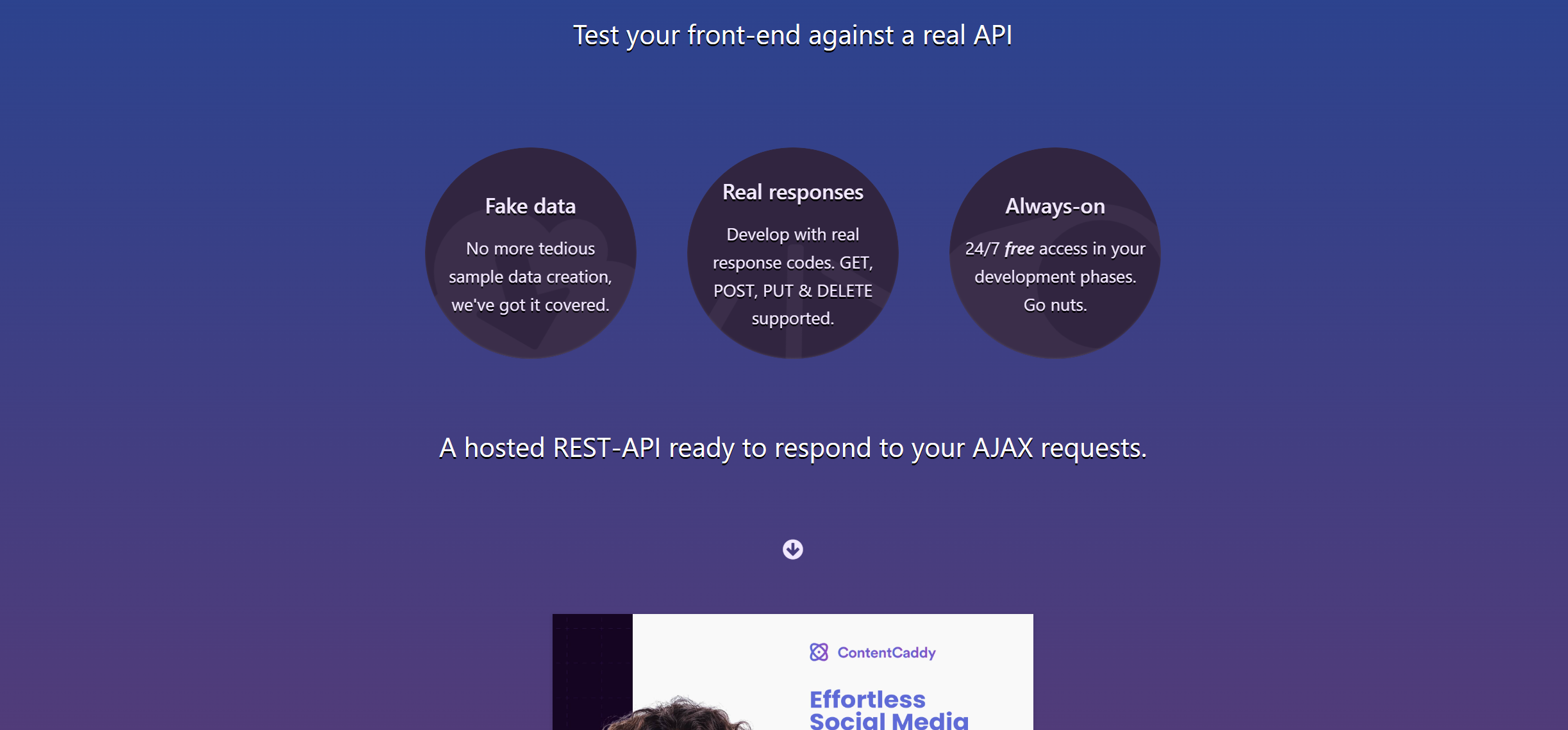
📍 Website: https://reqres.in
Tired of creating your own JSON arrays just to show off your front-end? Reqres is a free REST API with ready-made endpoints (users, login, posts, etc.) that you can use to practice or demonstrate your interface.
🧑💻 Example:
GET https://reqres.in/api/users/2📌 Case:
💬 The service is simply a salvation for students and hackathoners.
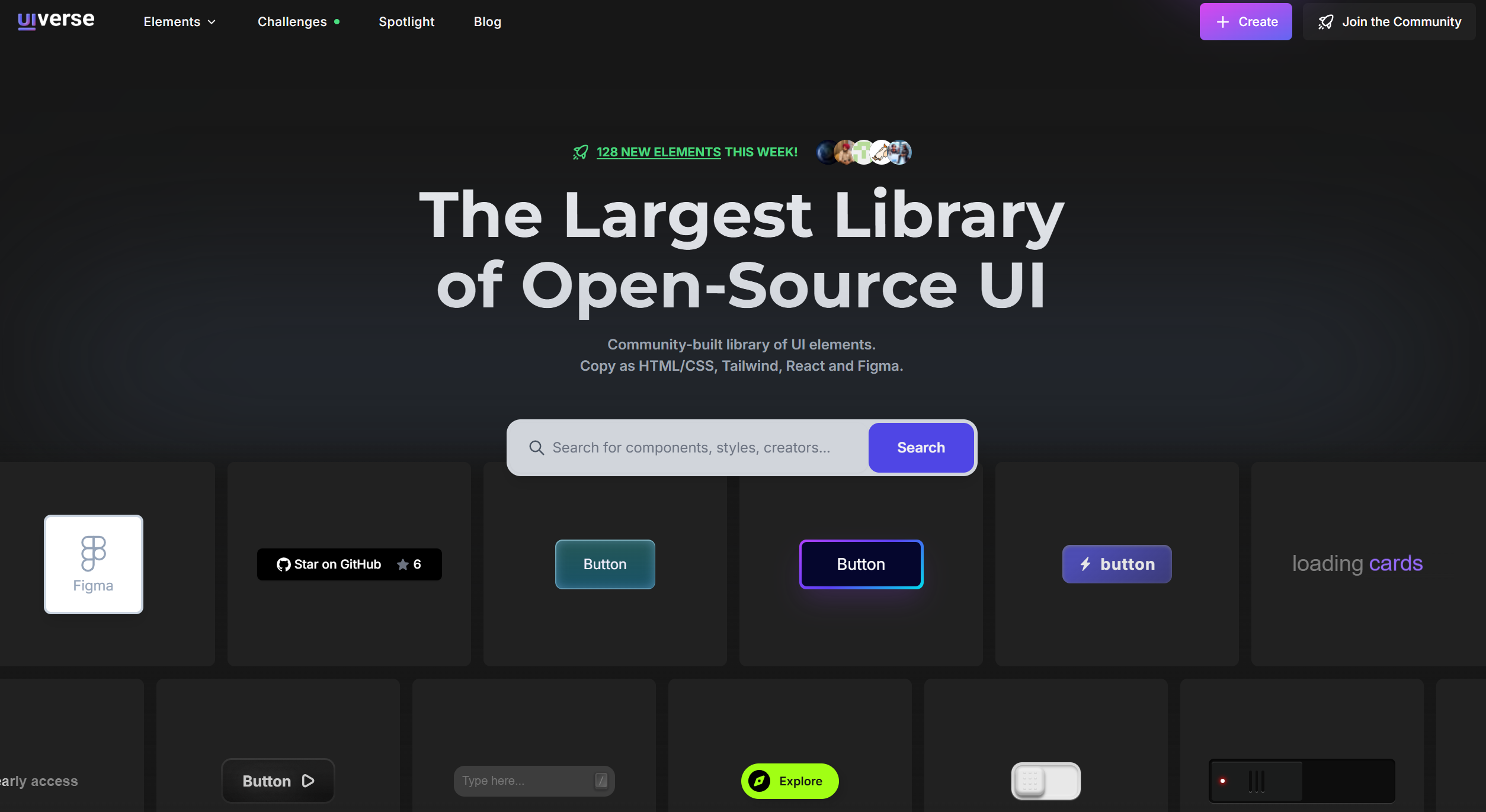
📍 Website: https://uiverse.io
Uiverse is a treasure trove of custom UI solutions: buttons, cards, loaders, input fields, and much more. All components are contributed by real developers. It looks like Figma + CodePen.
🚀 What you can:
🧠 It will be especially useful if you are making an interface for MVP and want to move away from boring Bootstrap.
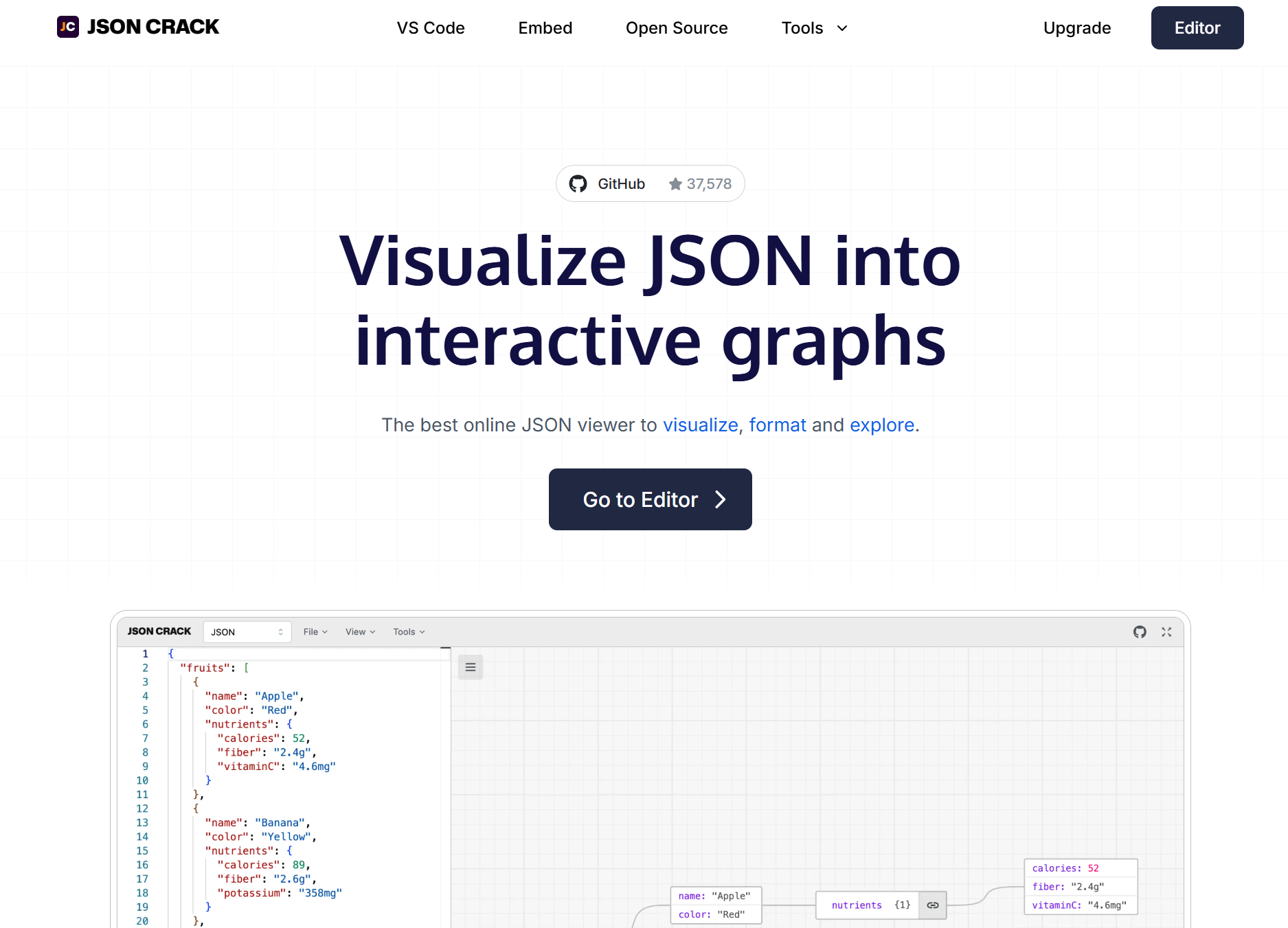
📍 Website: https://jsoncrack.com
If you're working with APIs or creating your own structures, visualizing your data can be very useful. JsonCrack turns any JSON into a beautiful, interactive diagram, like a mind map.
🔍 Applications:
🛠 There is export, history, integrations and light/dark mode.
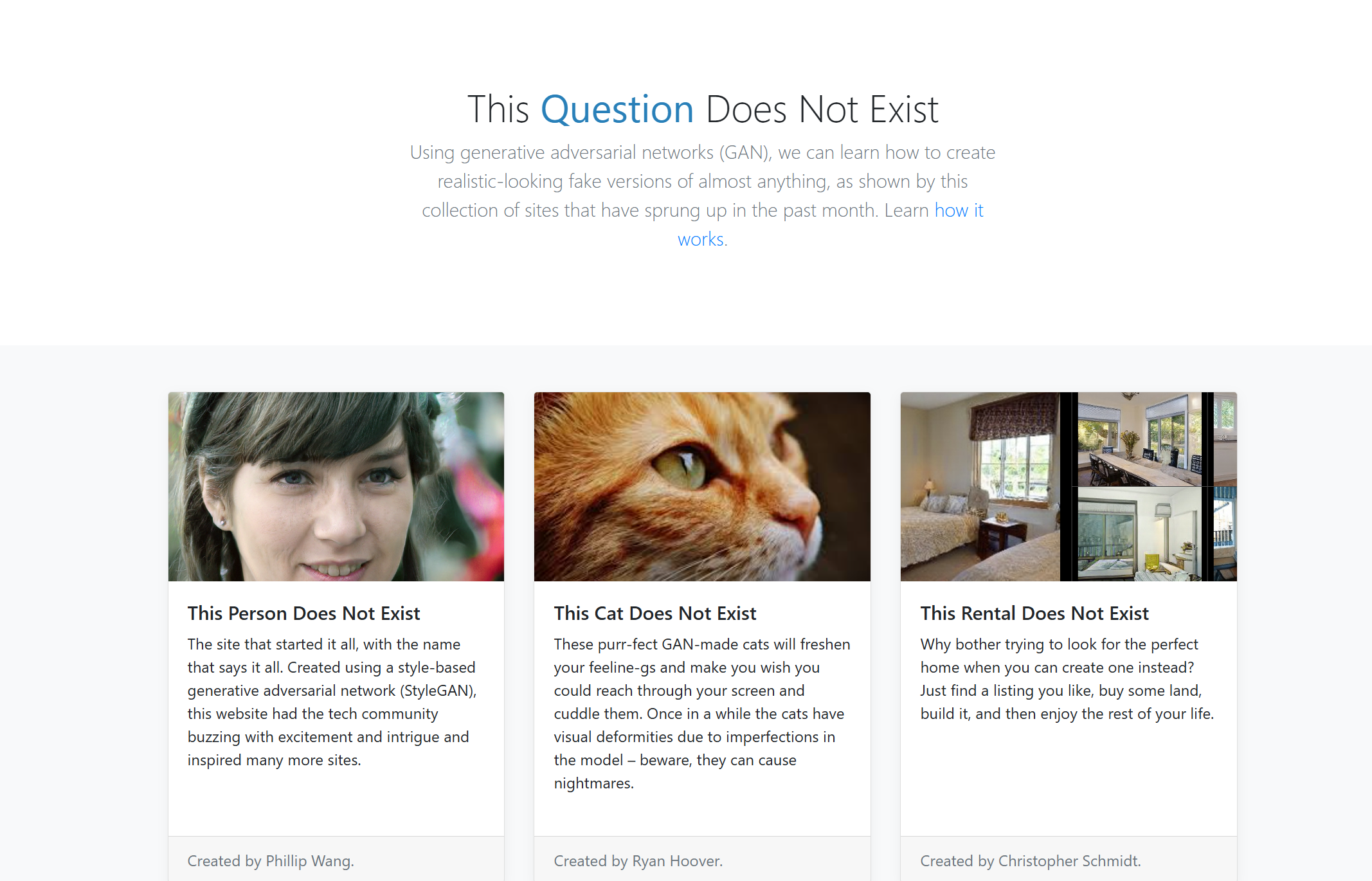
📍 Website: https://thisxdoesnotexist.com
Get inspired by the absurd! This project collects generators in one place: people, cats, logos, Airbnb clones and more — all generated by AI. Sometimes it seems useless... until you find an idea for a bot or landing page 😎
🎯 Why it's cool:
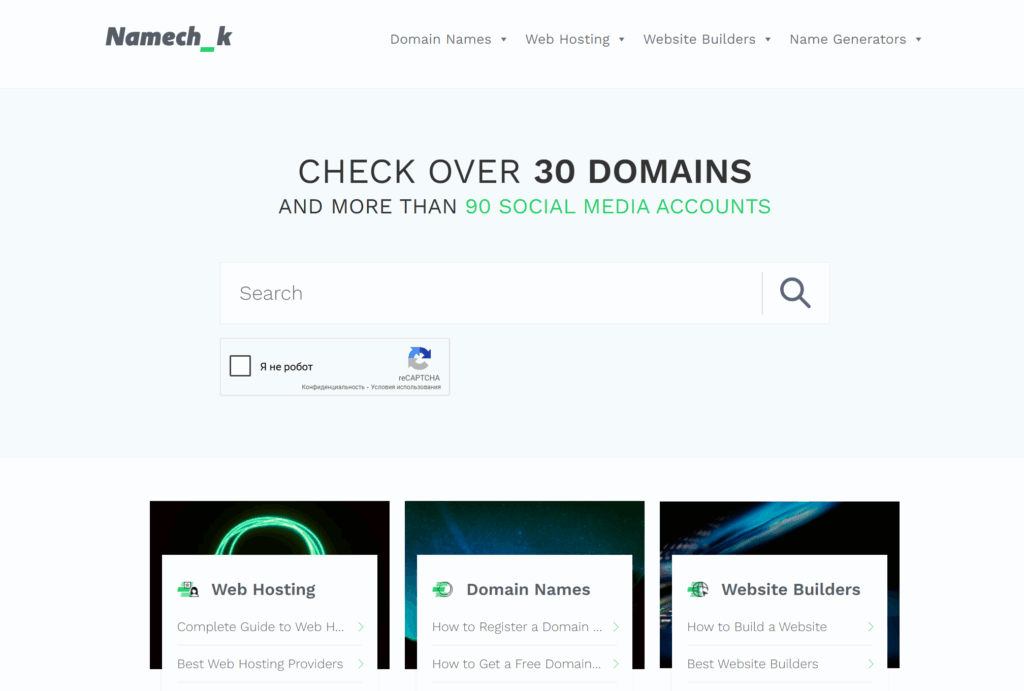
📍 Website: https://namechk.com
If you're launching a startup or even just a Telegram bot, it's crucial to check if a nickname is available on social media, messaging apps, and domains. Namechk can do this in just one minute.
🧠 Checked:
🔐 No registrations - you can see the status right away.
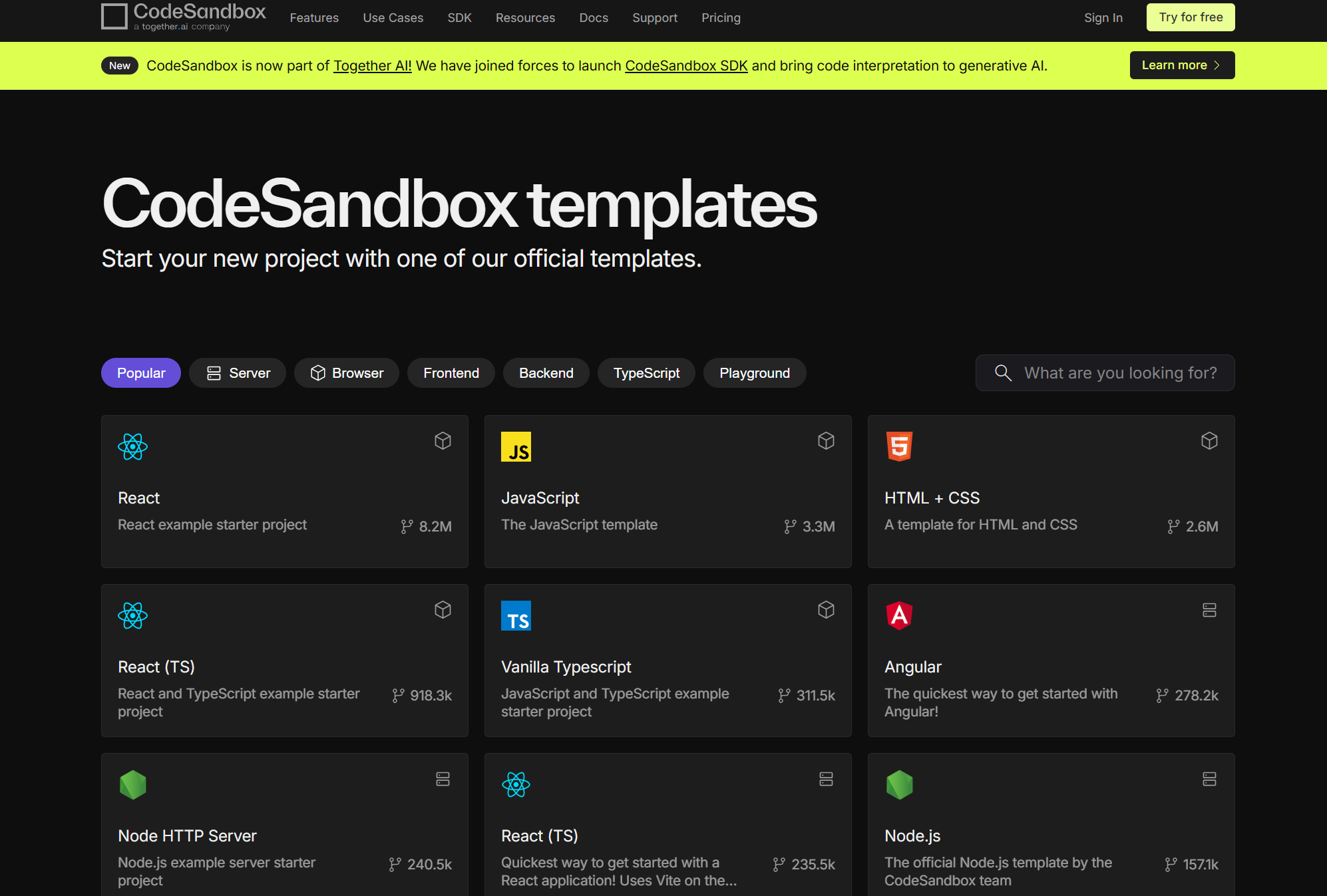
📍 Website: https://codesandbox.io/templates
Many people know CodeSandbox , but few use its template section. It offers dozens of ready-made solutions , from simple CRUD to full-stack applications. Just launch it and start coding.
🧰 Who will find it useful:
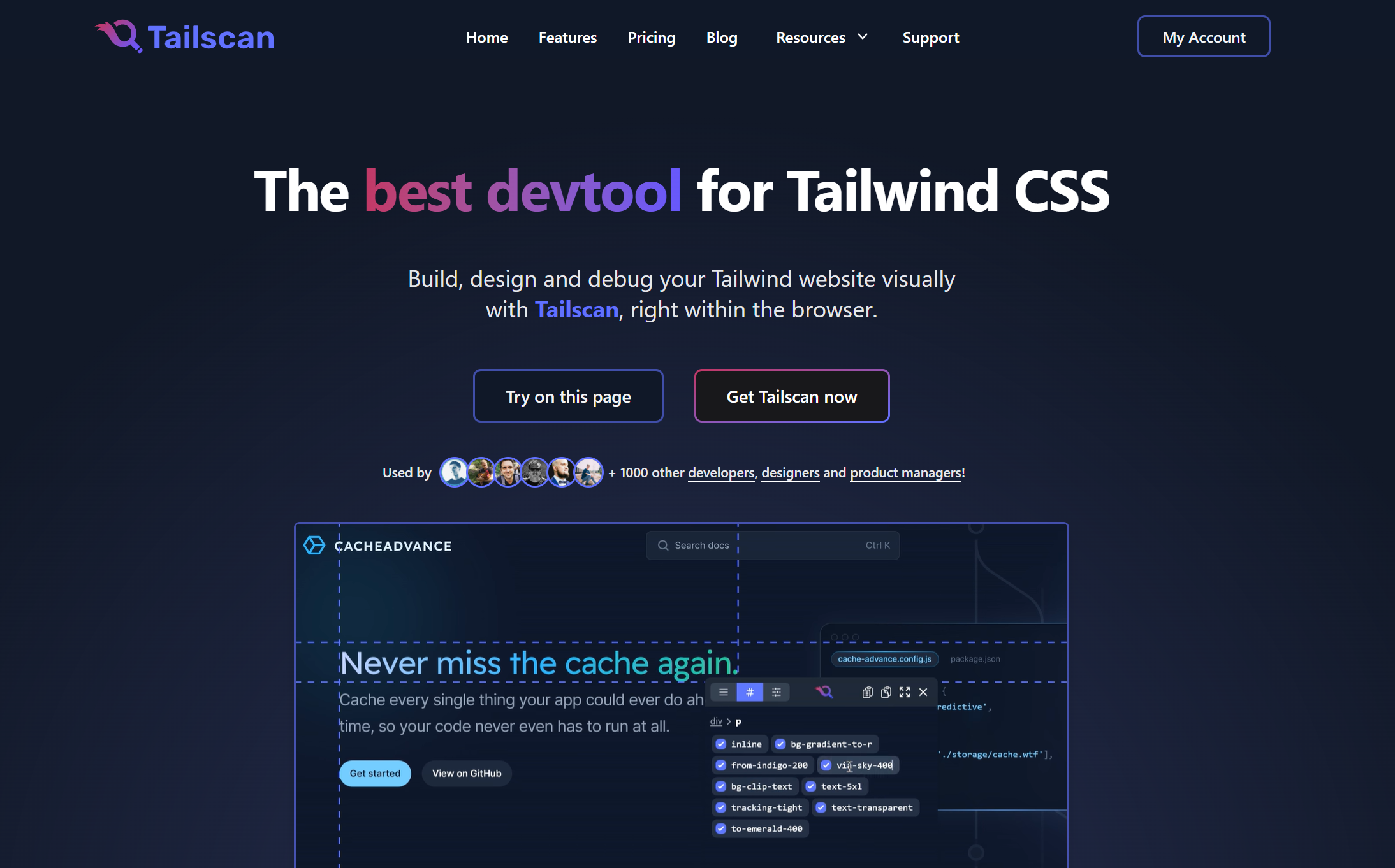
📍 Website: https://tailscan.com
Tailwind has rapidly taken web development by storm. But reading other people's tailwind classes in the DOM can be painful. With this tool, that won't be the case. This extension displays all classes applied to an element directly in the browser inspector.
🚀 Features:
These sites aren't just "bookmarks for later." They're tools that can speed up your work, give you a new perspective, or even become the foundation for a new project.
🔥 You don't have to use everything at once.
Add 2-3 resources to your daily stack and you'll be surprised in a couple of weeks. how much time do they save.
1. Introduction: The Evolution of Mobile ModsWith the transition of competitive gaming to mobile platforms (Android/iOS), methods of exploiting...
24.08.2026

Every player dreams of having top-tier gear with cool skins, but constant donations aren't available to everyone. Luckily, the developers at Axlebolt...
09.05.2026
Minecraft has been one of the most popular games in the world for many years. But the standard gameplay gets boring over time, and then...
09.05.2026
Comments
There are no comments yet. Be the first!