Technical Aspects of World-Hacking in Mobile Shooters (Based on Standoff 2)
1. Introduction: The Evolution of Mobile ModsWith the transition of competitive gaming to mobile platforms (Android/iOS), methods of exploiting...
Read more
24.08.2026
Standoff 2 is a popular mobile shooter that actively combats system modifications and root access. If your device is rooted or the bootloader is unlocked, there's a high chance the game simply won't launch or you'll be banned. In this guide, we'll explain how to completely hide your root and bootloader unlock , allowing you to play without any problems even with mods or cheats.
Before you begin, make sure you have:
You will also need a stable internet connection and a little patience.
Download and install modules in Magisk:
Install them via Magisk, then reboot your device.
Now you can run Standoff 2 without the risk of being banned for rooting or unlocking the bootloader. All essential checks will be passed, and the game will not detect your device as modified.
We provide all assistance in the TELEGRAM CHANNEL
1. Introduction: The Evolution of Mobile ModsWith the transition of competitive gaming to mobile platforms (Android/iOS), methods of exploiting...
24.08.2026
Every player dreams of having top-tier gear with cool skins, but constant donations aren't available to everyone. Luckily, the developers at Axlebolt...
09.05.2026
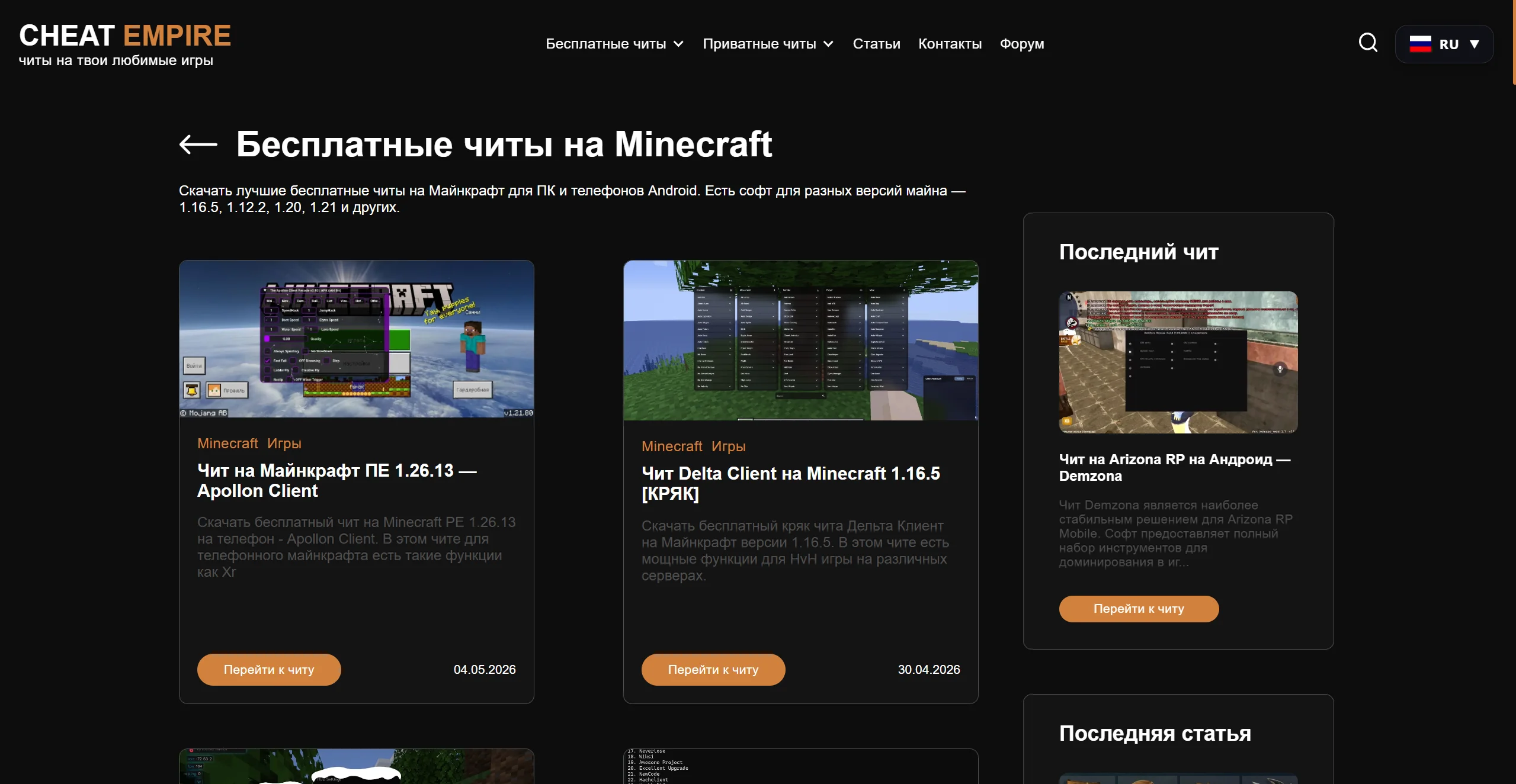
Minecraft has been one of the most popular games in the world for many years. But the standard gameplay gets boring over time, and then...
09.05.2026
Comments
There are no comments yet. Be the first!