Technical Aspects of World-Hacking in Mobile Shooters (Based on Standoff 2)
1. Introduction: The Evolution of Mobile ModsWith the transition of competitive gaming to mobile platforms (Android/iOS), methods of exploiting...
Read more
24.08.2026
Python is one of the most popular programming languages in the world. It's easy to learn, reads almost like English, and has a huge number of libraries. But what about web development?
Yes, Python is great not only for data analysis and automation, but also for building web applications. This is where web frameworks come in handy , and one of the easiest and most intuitive for beginners is Flask.
Flask is a Python microframework for web development , built with simplicity and extensibility in mind. It doesn't force you to follow a rigid project structure like Django, allowing you to build applications however you like.
Before you begin, make sure you have Python installed (preferably version 3.8+).
python -m venv venv
source venv/bin/activate  # для Linux/Mac
venv\Scripts\activate # для Windows<code><br></code>pip install FlaskAfter this, you can check that Flask is installed:
python -m flask --versionLet's create a simple website that will display a greeting. Create a file app.py with the following content:
from flask import Flask

app = Flask(__name__)

@app.route('/')
def home():
    return 'Привет, Flask!'

if __name__ == '__main__':
app.run(debug=True)home() called when entering the main pageLaunch from terminal:
python app.pyAfter that, open your browser and go to http://127.0.0.1:5000
Done! You've just made your first web application in Python.
Let's add one more page - "About us":
@app.route('/about')
def about():
    return 'Это страница о нас.'
Now when you go to /about you will see different text.
To make your website look beautiful, you can add HTML templates and CSS.
Create a project structure:
project/
│
├── app.py
├── templates/
│   └── index.html
└── static/
    └── style.css
index.html :
<!DOCTYPE html>
<html lang="ru">
<head>
    <meta charset="UTF-8">
    <title>Мой первый сайт на Flask</title>
    <link rel="stylesheet" href="{{ url_for('static', filename='style.css') }}">
</head>
<body>
    <h1>Добро пожаловать!</h1>
    <p>Это мой первый сайт на Flask.</p>
</body>
</html>
style.css :
body {
    background-color: #f4f4f4;
    font-family: sans-serif;
    text-align: center;
}
app.py (update):
from flask import Flask, render_template

@app.route('/')
def home():
return render_template('index.html')Some basic tips:
debug=True in production.env for storing secret keys| Parameter | Flask | Django |
|---|---|---|
| Flexibility | Very high | Average |
| Ease | For beginners - perfect | Project structure needed |
| Start speed | Instantly | A little longer |
| Built-in features | Minimum | Many (ORM, admin panel) |
If you want to understand how everything works under the hood , Flask is a great choice.
Flask is a great starting point for those looking to master Python web development from scratch . It's easy to learn, flexible to use, and powerful enough for building real-world projects.
Try starting with a mini-site, gradually adding new features - and before you know it, you'll turn from a beginner into a confident developer.
1. Introduction: The Evolution of Mobile ModsWith the transition of competitive gaming to mobile platforms (Android/iOS), methods of exploiting...
24.08.2026

Every player dreams of having top-tier gear with cool skins, but constant donations aren't available to everyone. Luckily, the developers at Axlebolt...
09.05.2026
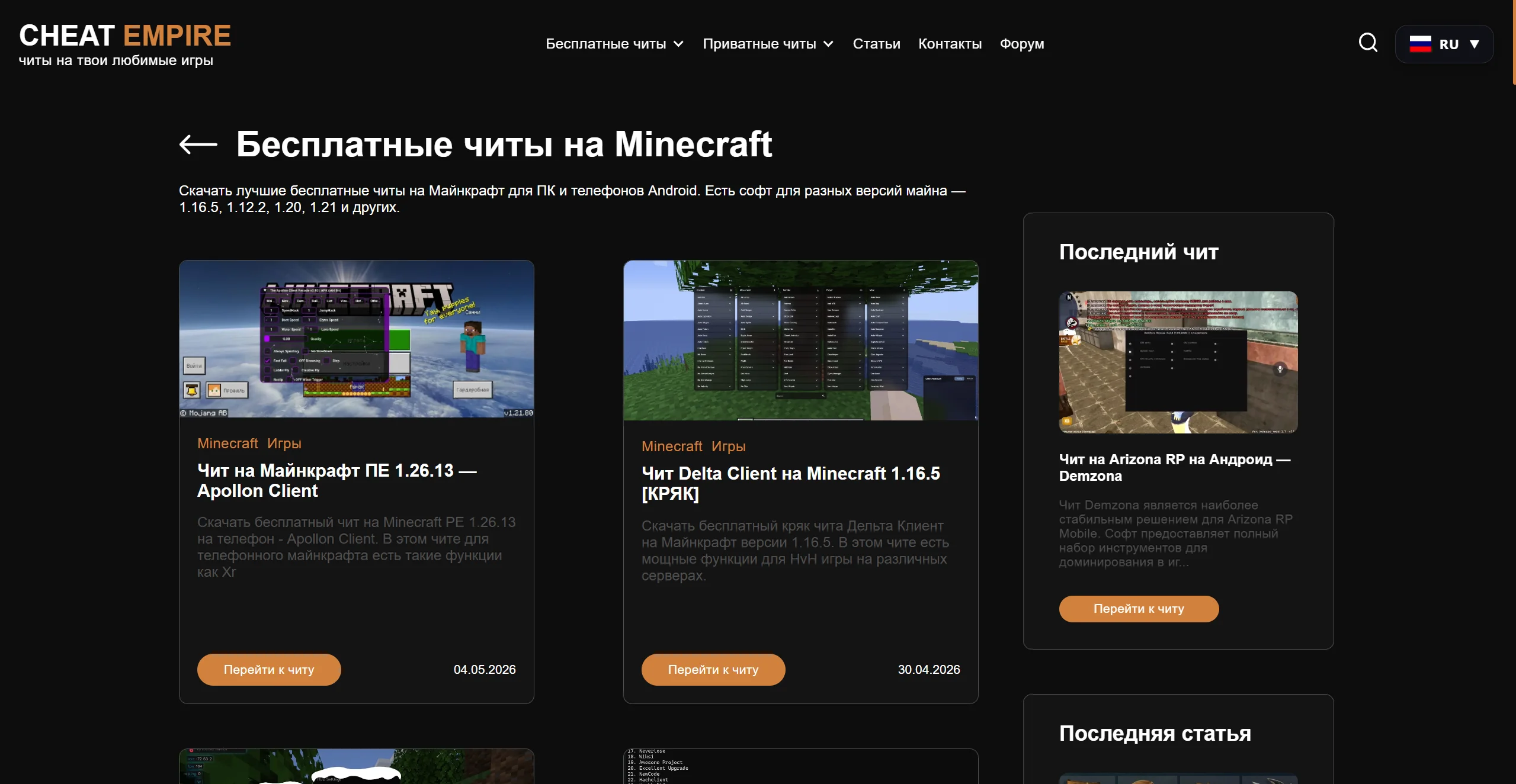
Minecraft has been one of the most popular games in the world for many years. But the standard gameplay gets boring over time, and then...
09.05.2026
Comments
There are no comments yet. Be the first!