Weak Legacy 2 Script for Roblox [Auto Farm]
A script for Weak Legacy 2 without a key – farm monsters automatically without any effort! Copy and run!
with advertising
best cheats without ads
Welcome to a detailed guide to the Weak Legacy 2 script for Roblox! If you're looking for a Weak Legacy 2 script without a key, an auto-farming cheat for Weak Legacy 2, an exploit for farming mobs and bosses in Weak Legacy 2, or simply want to simplify leveling, then this article is for you. We'll explain the game, how the script works, its features, installation instructions, and answer frequently asked questions. This free Weak Legacy 2 script will help automate routine tasks like farming quests, mobs, and bosses, without the need for keys or paid executors.
What is Weak Legacy 2 on Roblox?
Weak Legacy 2 is a fast-paced Roblox game inspired by the popular anime and manga "Demon Slayer: Kimetsu no Yaiba." Players can choose the path of a demon slayer or join the demons, battling for dominance. The game appeals to anime fans thanks to authentic elements like the Final Selection and battles with the Upper Moons. Since its launch in 2024, it has garnered millions of views and continues to be updated.
Weak Legacy 2 Script for Roblox [Auto Farm]
This script for Weak Legacy 2 Roblox is a powerful tool for automating gameplay. It works without a key, making it accessible to everyone. The script loads directly via HttpGet and is compatible with most free executors, such as Delta or Arceus X. Its main focus is auto-farming, allowing you to farm resources in the background while you do other things.
What's in this cheat?
The script offers a wide range of features to simplify the game. Here are the key features:
- Auto farm quests: Automatically complete daily and repeating quests to quickly earn experience and rewards.
- Auto farm mobs: Infinite spawning and killing normal enemies to farm resources like yen and experience points.
- Auto farm bosses: Easy clearing of bosses, including upper moons and special demons, without the risk of death.
- And many, many other functions
The script itself is on Weak Legacy 2
loadstring(game:HttpGet("https://raw.githubusercontent.com/L4BIBKAZI/L4BIB-HUB/refs/heads/main/Weak%20Legacy%202"))()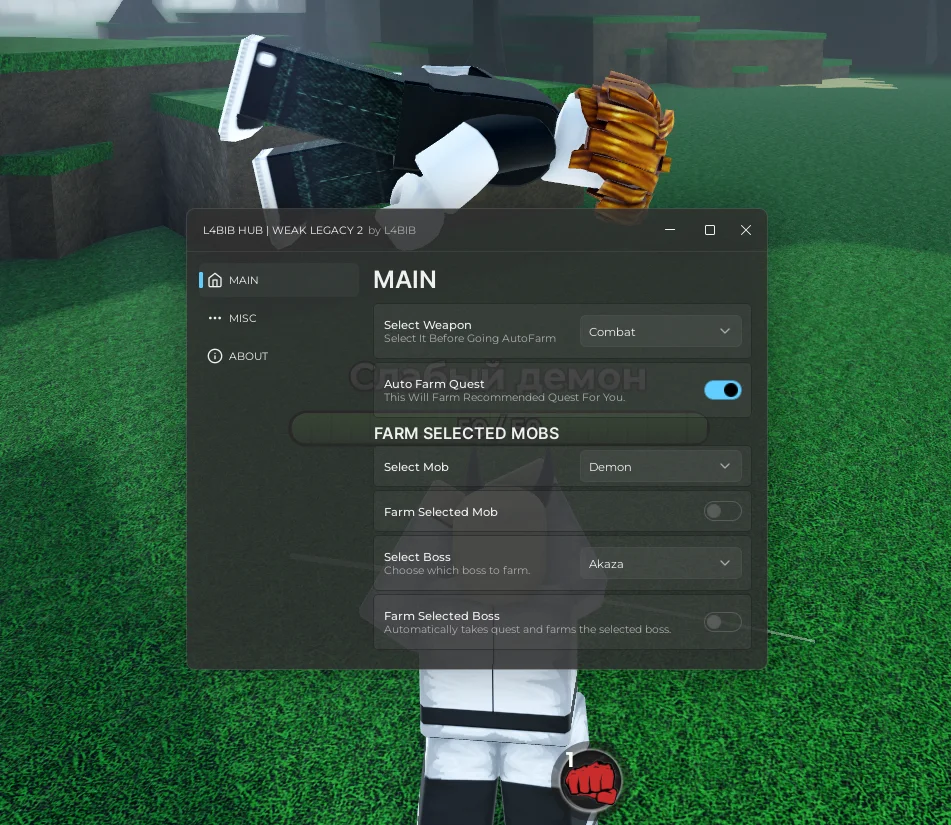
How do I run this script on Weak Legacy from a PC or Android phone?
Launching is easy for PC and Android. For mobile devices, use injectors like Delta.
Here are the instructions for PC (with Solara ):
- Download, unzip and install Solara from our website.
- Open Roblox and log into the game.
- Run Solara.exe from the installation folder.
- Paste the script code into the Solara window.
- Click the Attach button (paperclip icon) to connect.
- Then click Execute (arrow icon) to run.
For Android: Install the injector, open the game, paste the script, and activate. If something goes wrong, disable your antivirus or update Roblox. It'll only take a couple of minutes!
FAQ
Check your injector ( Solara or Delta ), update Roblox and the code. If it's after an update, wait for the next version; they usually fix it quickly.
No, copy the code on this page directly into the injector.
Links
The file has been checked by experts - installation is completely safe.
This may result in your account being blocked and may spoil the experience for other players. We always recommend playing fair, following the official rules and enjoying a fair and exciting game.
F.A.Q.
What are game cheats and how do they work?
Cheats are special programs or modifications that allow you to change the game's behavior in favor of the player. With their help, you can, for example, get immortality, auto-aiming (aim), infinite resources and much more. Cheats work by changing the game's memory, introducing code or using vulnerabilities.
Is it safe to use cheats?
Using cheats always comes with risks. Firstly, you can get your account banned. Secondly, downloading from untrusted sites can lead to your PC being infected with viruses. We at Cheat Empire carefully check each cheat before publishing - you can be sure of its safety.
Can I get banned for using a cheat?
Yes, especially in online games with an active anti-cheat system (for example, Easy Anti-Cheat, BattleEye, VAC and others). To reduce the risk, use cheats only in single-player modes or follow the instructions for safe launch. We always indicate the risk level in the description of each cheat.
How to install cheats?
Installation instructions are included with each specific cheat. Usually, this involves downloading the archive, unpacking, and running the cheat before or after starting the game. Some cheats require injection into the game process using a loader. It is also important to run as administrator and disable the antivirus if it interferes.
Why does antivirus block cheat?
Some cheats are protected by cryptoprotectors to avoid detection by anti-cheat. These protective shells can cause false positives from antivirus. This is not a virus, but code protection. You can temporarily disable the antivirus or add the cheat to the exclusion list. All cheats on our site are checked before publication.
What programs need to be installed for the cheat to work correctly?
Most cheats require certain system libraries to run. Here's a list of what should be installed on your PC:
- Visual C++ Redistributable 2005–2022
- .NET Framework 4.5+
- DirectX (June 2010)
- DirectX SDK (for some cheats)
- WinRAR or 7-Zip for unpacking archives
If you get errors like this when you launch the cheat msvcp120.dll отсутствует, then the required library is missing.
Where can I get help?
If you have any issues launching or installing the cheat, you can always contact our support team. We respond promptly via our Telegram channel: @cheat_empire.
Similar Cheats
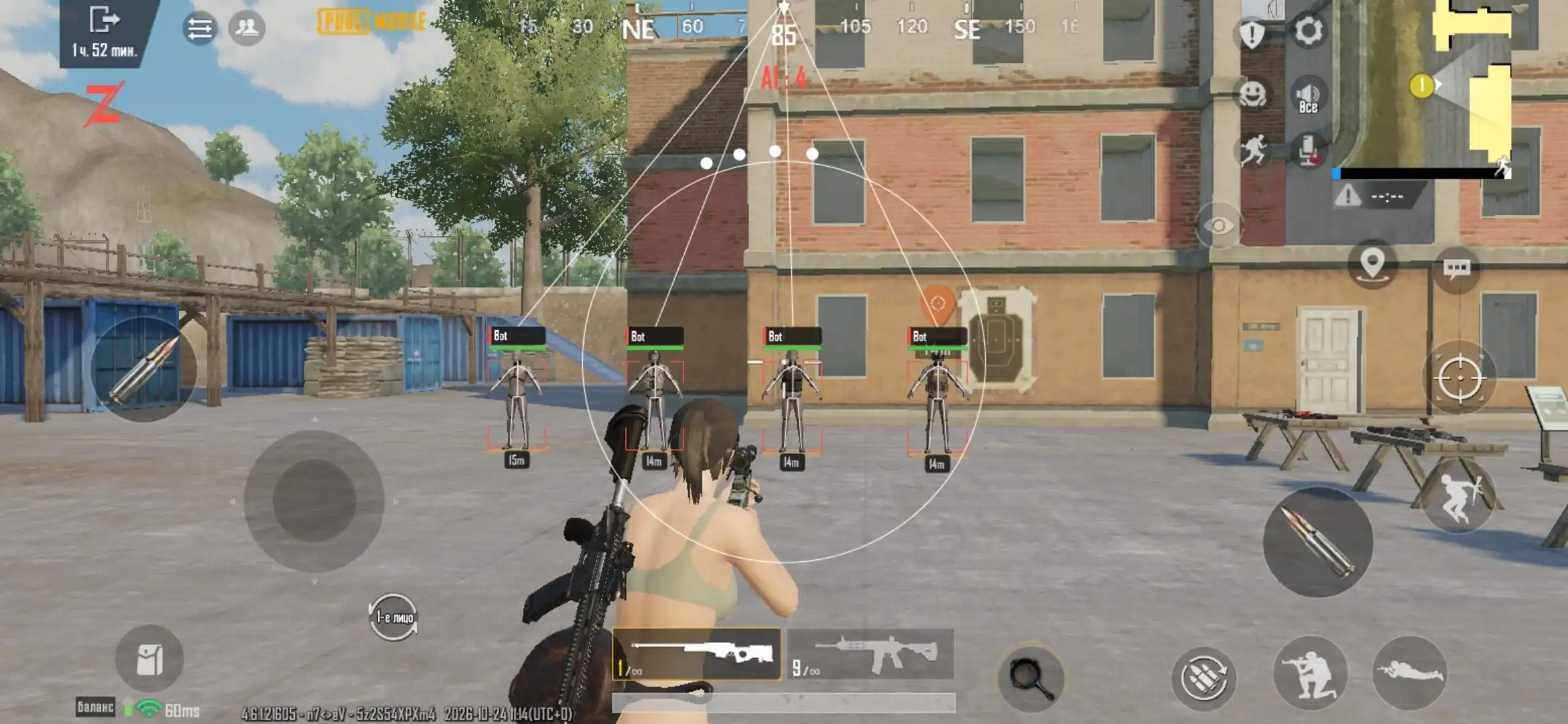
PUBG Mobile cheat for Android without root rights (Free 2026): ESP, Aimbot, SkinHack, iPad-View. Start destroying!
29.10.2026
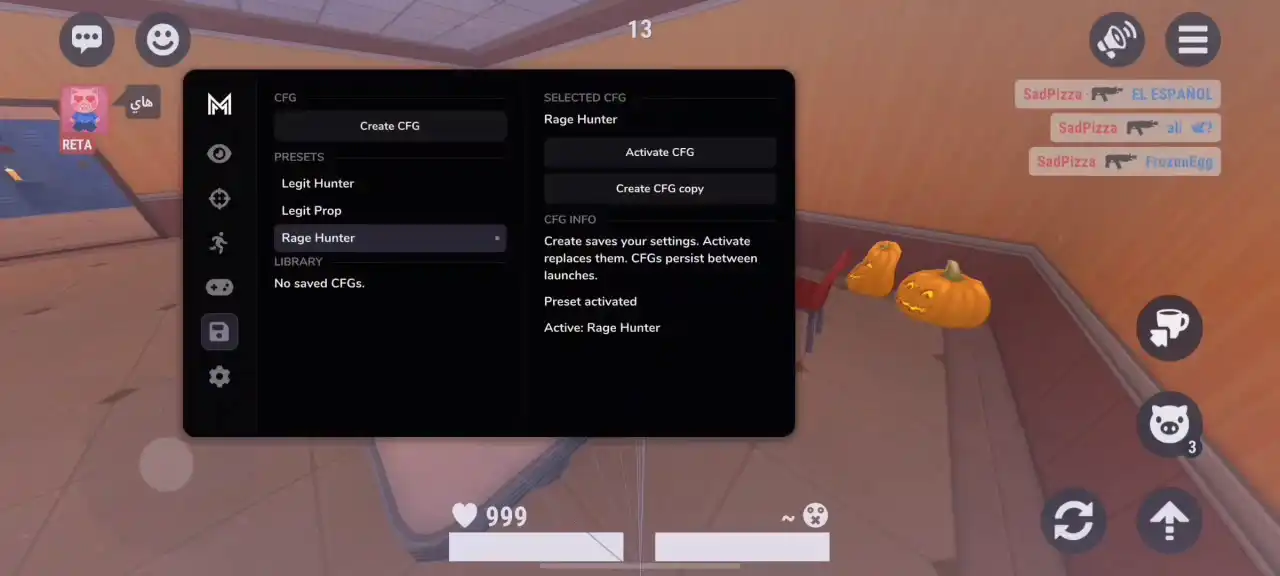
Hide Online cheat for Android free 2026: Aimbot, ESP, Noclip, Speedhack, and other features. Download the mod APK.
28.10.2026
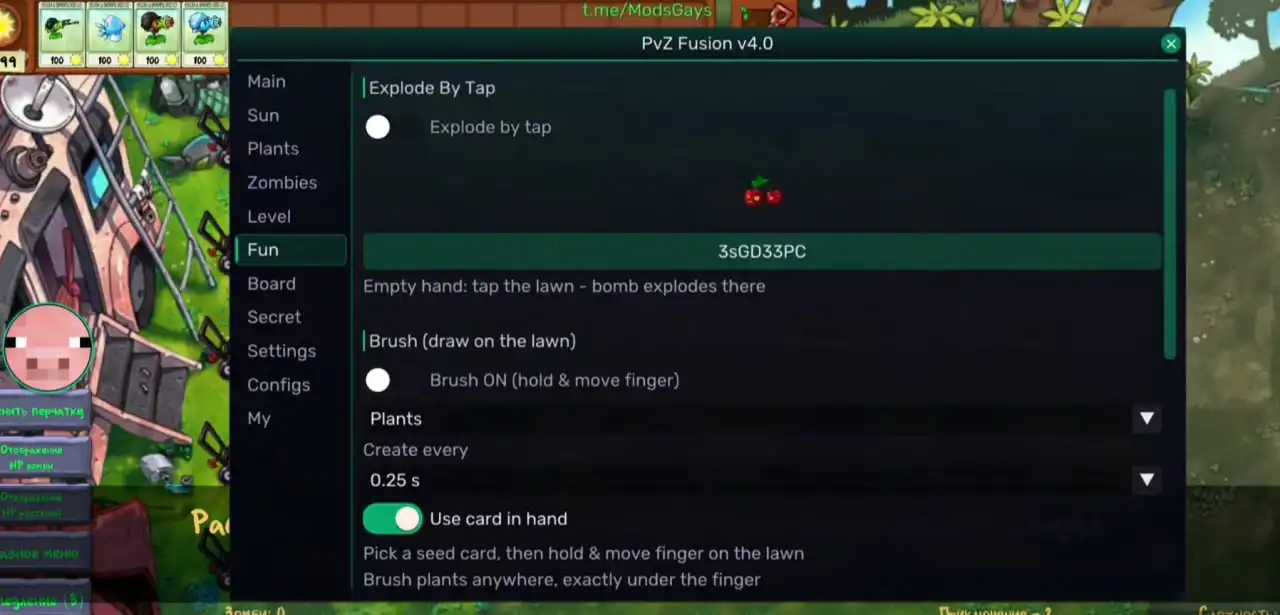
Plants vs Zombies [PVZ] Fusion v4.0 Cheat Without Root Pravna Android Free 2026: Immortal Plants, Infinite Suns, Stop Zombies
28.10.2026
Comments
There are no comments yet. Be the first!