Script for Hunty Zombie Roblox No Key [Auto Farm]
Download free script for Hunting Zombie in Roblox without a key. The script is perfect for farming zombies, coins and other things in the Roblox Hunty Zombie game thanks to such functions as Auto Attack, Auto Mobs, Collect Money and others.
with advertising
best cheats without ads
What is Hunty Zombie game in Roblox?
Hunty Zombie on Roblox is a fast-paced zombie shooter. The main goal is to survive an undead invasion, using weapons and tactics to defeat increasingly powerful waves of enemies. Players can team up or go it alone, earning money by killing zombies and upgrading their gear.
The gameplay is built on constant tension: the longer you hold out, the more difficult the enemies become. In addition to simple zombies, there are enhanced mutants and bosses that require teamwork and good reaction.
Hunty Zombie Roblox Script Without Key by Tbao Hub - Auto Farm, Auto Zombie Attack
With this script for Hunter Zombie in Roblox, you can quickly farm money by quickly killing all the zombies on the map.
loadstring(game:HttpGet("https://pastefy.app/q5oFZwv8/raw"))()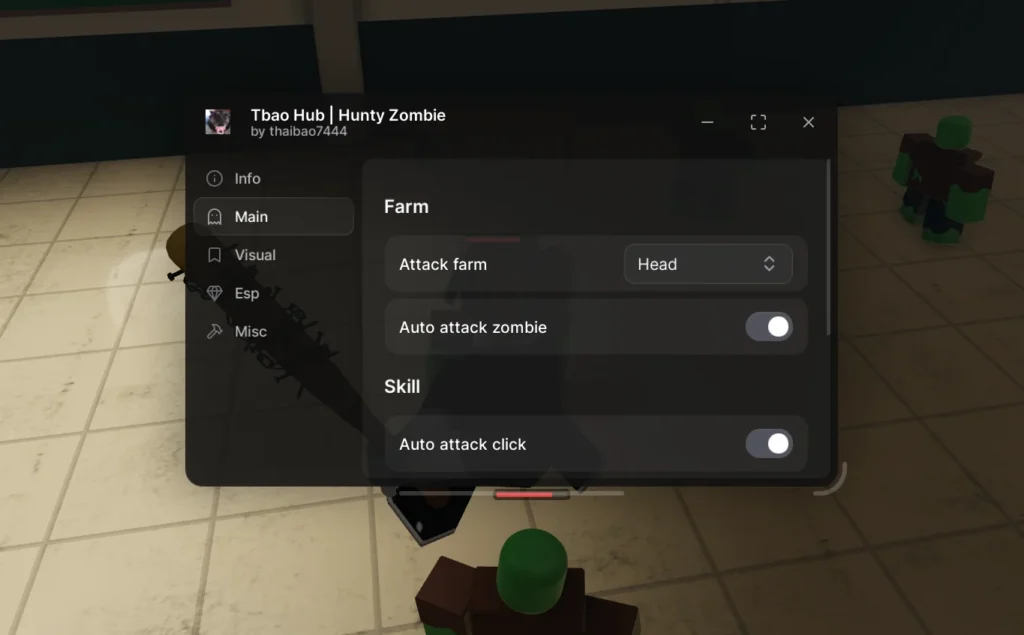
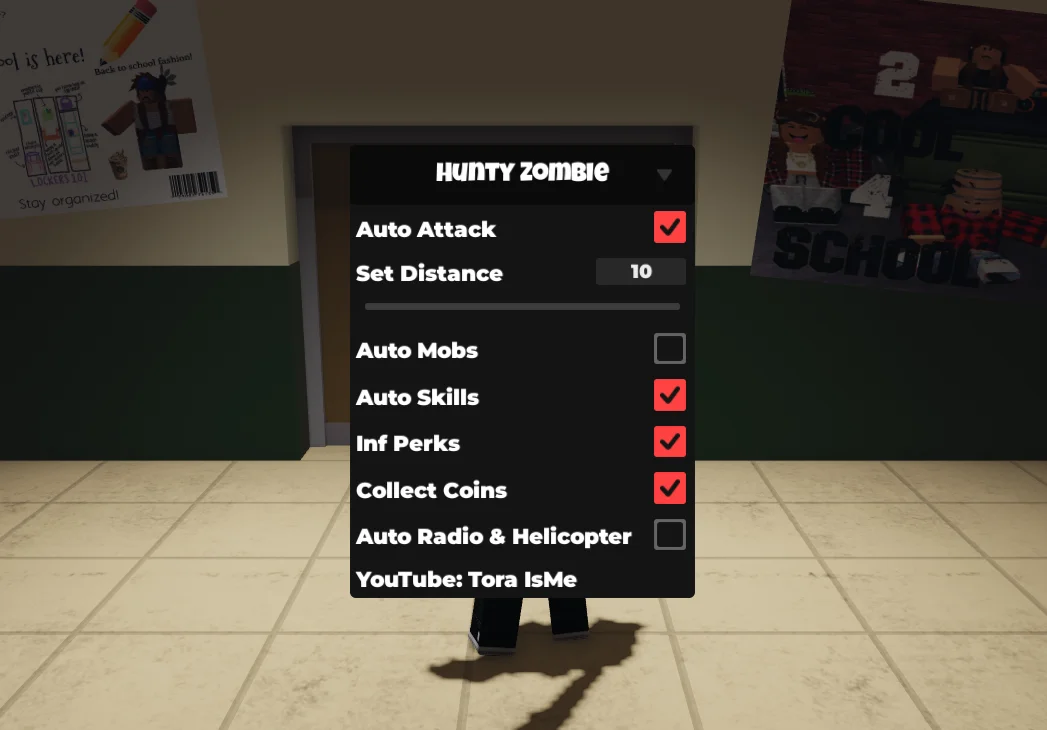
Script for Hunting Zombie in Roblox without a key - Auto Attack, Coin Collection, Auto Skills
Script functionality
- Auto Attack
- Set Distance
- Auto Mobs
- Auto Skills
- Inf Perks
- Collect Coins
- Auto Radio & Helicopter
loadstring(game:HttpGet("https://pastebin.com/raw/eLAHGW2z", true))()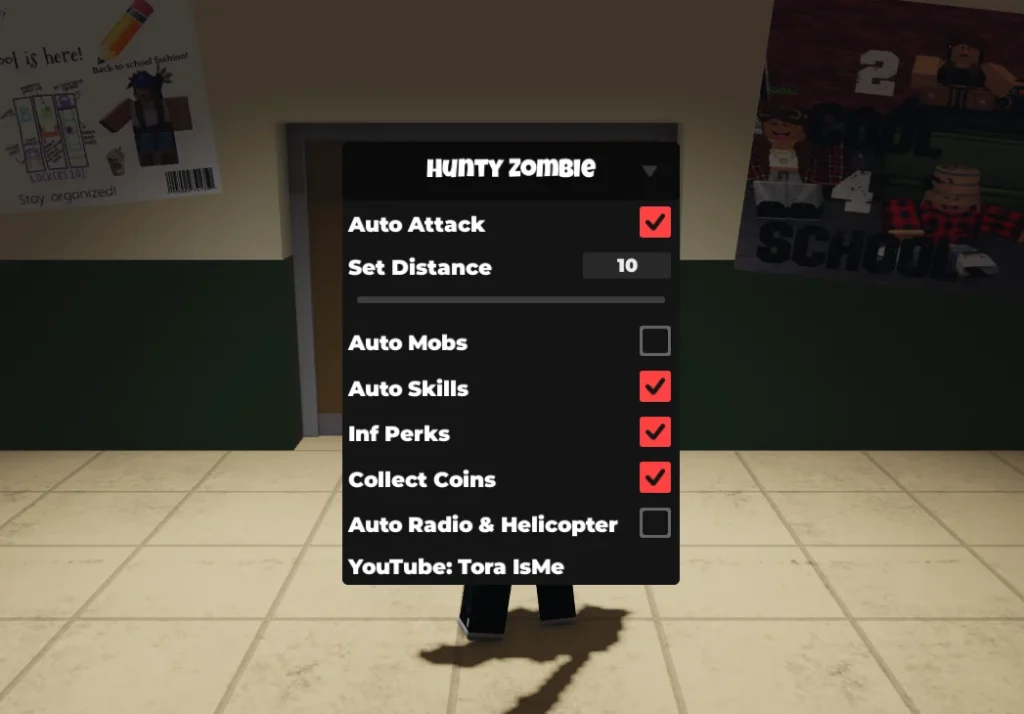

Instructions for running a script on Hunty Zombie using Swift Lua Executor
Launching with other Lua injectors is almost identical. You can use Xeno , Delta , or Velocity instead of Swift.
- Download LUA Executor Swift
- Launch Roblox Game - Hunty Zombie
- Start Swift
- Enter the selected script into the window that opens, for example
loadstring(game:HttpGet("https://pastebin.com/raw/eLAHGW2z", true))() - Click on Attach (see screenshot below)
- Click on the arrow (see screenshot below)
- Done!
loadstring(game:HttpGet("https://pastebin.com/raw/eLAHGW2z", true))()
FAQ
No, this script, like other scripts from Tora IsMe, works completely without a key.
Yes, the author of the script for Zombie Hunter can update his script and add a key system to it.
Of course, we always try to help you with launching cheats for Roblox and other games in our Telegram.
Links
The file has been checked by experts - installation is completely safe.
This may result in your account being blocked and may spoil the experience for other players. We always recommend playing fair, following the official rules and enjoying a fair and exciting game.
F.A.Q.
What are game cheats and how do they work?
Cheats are special programs or modifications that allow you to change the game's behavior in favor of the player. With their help, you can, for example, get immortality, auto-aiming (aim), infinite resources and much more. Cheats work by changing the game's memory, introducing code or using vulnerabilities.
Is it safe to use cheats?
Using cheats always comes with risks. Firstly, you can get your account banned. Secondly, downloading from untrusted sites can lead to your PC being infected with viruses. We at Cheat Empire carefully check each cheat before publishing - you can be sure of its safety.
Can I get banned for using a cheat?
Yes, especially in online games with an active anti-cheat system (for example, Easy Anti-Cheat, BattleEye, VAC and others). To reduce the risk, use cheats only in single-player modes or follow the instructions for safe launch. We always indicate the risk level in the description of each cheat.
How to install cheats?
Installation instructions are included with each specific cheat. Usually, this involves downloading the archive, unpacking, and running the cheat before or after starting the game. Some cheats require injection into the game process using a loader. It is also important to run as administrator and disable the antivirus if it interferes.
Why does antivirus block cheat?
Some cheats are protected by cryptoprotectors to avoid detection by anti-cheat. These protective shells can cause false positives from antivirus. This is not a virus, but code protection. You can temporarily disable the antivirus or add the cheat to the exclusion list. All cheats on our site are checked before publication.
What programs need to be installed for the cheat to work correctly?
Most cheats require certain system libraries to run. Here's a list of what should be installed on your PC:
- Visual C++ Redistributable 2005–2022
- .NET Framework 4.5+
- DirectX (June 2010)
- DirectX SDK (for some cheats)
- WinRAR or 7-Zip for unpacking archives
If you get errors like this when you launch the cheat msvcp120.dll отсутствует, then the required library is missing.
Where can I get help?
If you have any issues launching or installing the cheat, you can always contact our support team. We respond promptly via our Telegram channel: @cheat_empire.
Similar Cheats
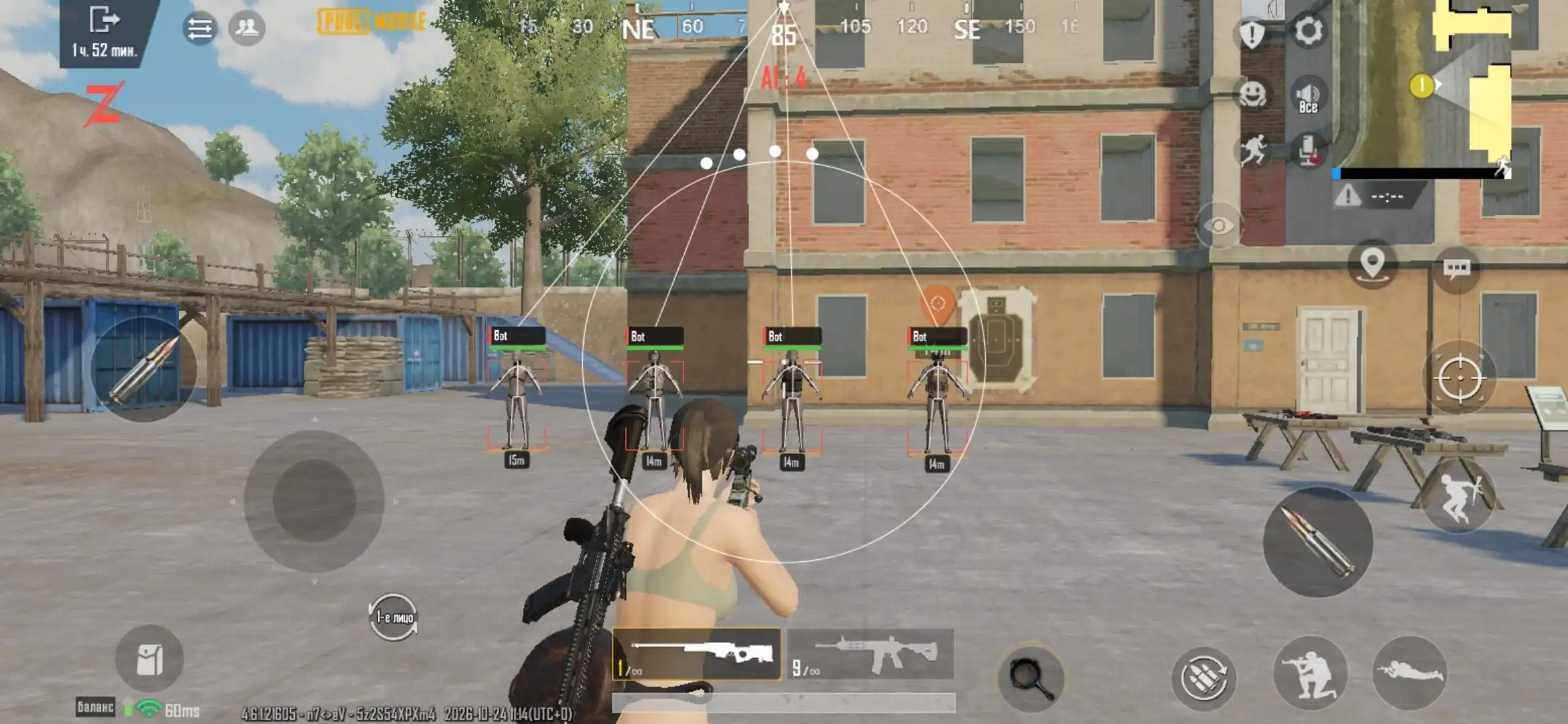
PUBG Mobile cheat for Android without root rights (Free 2026): ESP, Aimbot, SkinHack, iPad-View. Start destroying!
29.10.2026
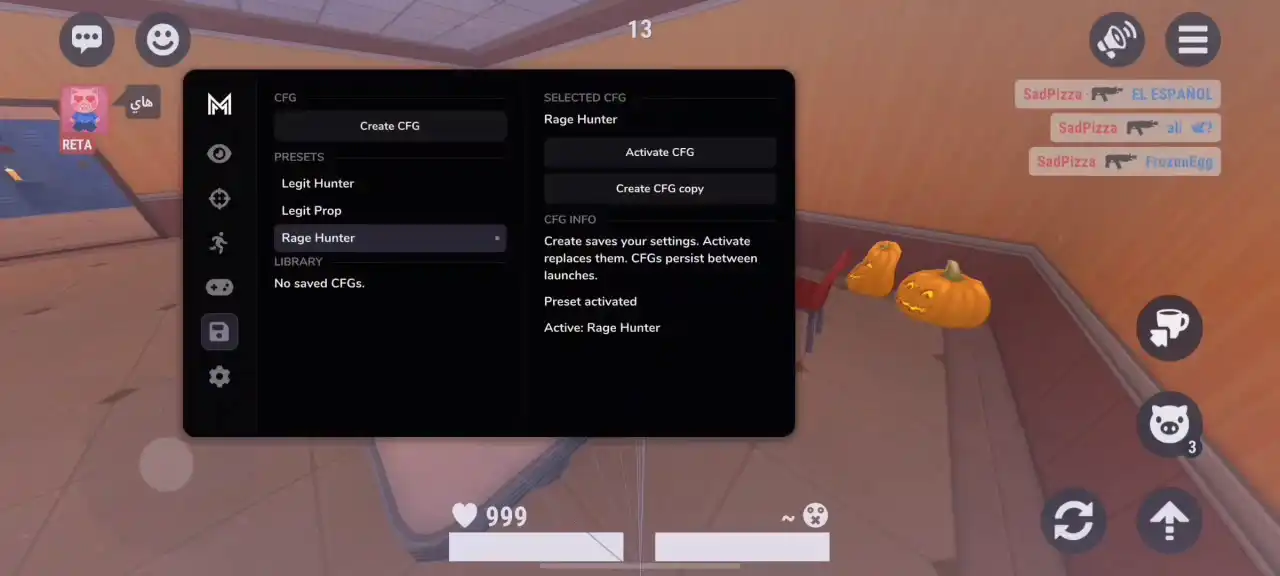
Hide Online cheat for Android free 2026: Aimbot, ESP, Noclip, Speedhack, and other features. Download the mod APK.
28.10.2026
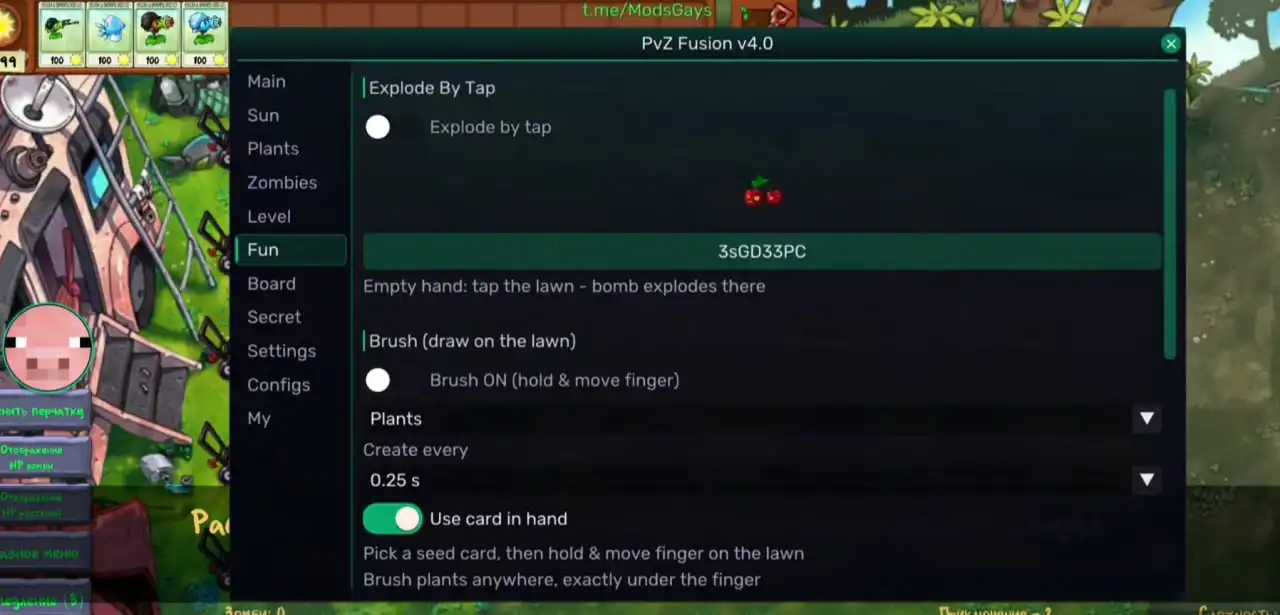
Plants vs Zombies [PVZ] Fusion v4.0 Cheat Without Root Pravna Android Free 2026: Immortal Plants, Infinite Suns, Stop Zombies
28.10.2026
Comments
There are no comments yet. Be the first!