Melodium Cheat for Standoff 2 0.37.0 for Emulators Without Root
Download the free Melodium cheat with auto-win for the latest version of Standoff 2 0.37.0 for BlueStacks 5 and MSI App Player emulators without root rights. In addition to auto-win, the Melodium cheat includes AIM, WH, WALLSHOT, and other features.
with advertising
best cheats without ads

What is the game Standoff 2?
Standoff 2 is a premier mobile shooter in the vein of CS:GO. Developers Axlebolt have created a balanced game with a strong emphasis on skill. However, dynamic shootouts and challenging maps require excellent reflexes. This is why many players switch to PC for the improved controls and FPS.
How to play Standoff 2 on PC and what to use?
Officially, the game is only available on smartphones. To run it on computers, gamers use emulators (Bluestacks 5, MSI App Player)—special programs that simulate the Android environment. They allow the use of a keyboard and mouse, giving a huge advantage over mobile players .
Melodium's Root-Free Cheat Functionality for Emulators
- VX
- Only visible
- Nicknames
- Skeleton
- Enemy Weapon
- Aimbot
- Wallshot
- Endless ammo
- Doubletap
- Autovin
- And other functions

Supported emulators
- BlueStacks 5 (Pie 64-bit): The most popular and stable option.
- MSI App Player: Optimized version of BlueStacks from MSI.
Instructions for running the cheat on Bluestacks 5 and MSI App Player
- Download
- Move all files from the archive to a separate folder
- Launch Bluestacks 5/Msi App Player
- Enable ADB in the emulator settings in the "Advanced" tab.
- Launch Standoff 2
- Run the melodiumfree.exe file
- You will be asked to press Enter to launch the cheat, press it.
- Done, the cheat is in the game!
The menu opens by clicking on the white bar at the bottom of the screen!
Video tutorial on running the Melodium cheat on Standoff 2 0.37.0

FAQ
No, this cheat for Standoff 2 0.37.0 works without root rights.
Yes, there is. Here's a link to it @melrele.
No, the cheat is only intended for BlueStacks 5 and MSI App Player emulators on PC.
Links
The file has been checked by experts - installation is completely safe.
This may result in your account being blocked and may spoil the experience for other players. We always recommend playing fair, following the official rules and enjoying a fair and exciting game.
F.A.Q.
What are game cheats and how do they work?
Cheats are special programs or modifications that allow you to change the game's behavior in favor of the player. With their help, you can, for example, get immortality, auto-aiming (aim), infinite resources and much more. Cheats work by changing the game's memory, introducing code or using vulnerabilities.
Is it safe to use cheats?
Using cheats always comes with risks. Firstly, you can get your account banned. Secondly, downloading from untrusted sites can lead to your PC being infected with viruses. We at Cheat Empire carefully check each cheat before publishing - you can be sure of its safety.
Can I get banned for using a cheat?
Yes, especially in online games with an active anti-cheat system (for example, Easy Anti-Cheat, BattleEye, VAC and others). To reduce the risk, use cheats only in single-player modes or follow the instructions for safe launch. We always indicate the risk level in the description of each cheat.
How to install cheats?
Installation instructions are included with each specific cheat. Usually, this involves downloading the archive, unpacking, and running the cheat before or after starting the game. Some cheats require injection into the game process using a loader. It is also important to run as administrator and disable the antivirus if it interferes.
Why does antivirus block cheat?
Some cheats are protected by cryptoprotectors to avoid detection by anti-cheat. These protective shells can cause false positives from antivirus. This is not a virus, but code protection. You can temporarily disable the antivirus or add the cheat to the exclusion list. All cheats on our site are checked before publication.
What programs need to be installed for the cheat to work correctly?
Most cheats require certain system libraries to run. Here's a list of what should be installed on your PC:
- Visual C++ Redistributable 2005–2022
- .NET Framework 4.5+
- DirectX (June 2010)
- DirectX SDK (for some cheats)
- WinRAR or 7-Zip for unpacking archives
If you get errors like this when you launch the cheat msvcp120.dll отсутствует, then the required library is missing.
Where can I get help?
If you have any issues launching or installing the cheat, you can always contact our support team. We respond promptly via our Telegram channel: @cheat_empire.
Similar Cheats
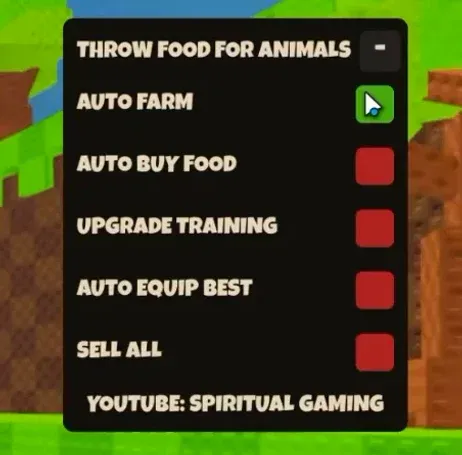
Download free cheats for Throw Animal Food in Roblox without a key! The scripts include auto-farming, auto-perfecting, auto-upgrading, and other features.
13.11.2026
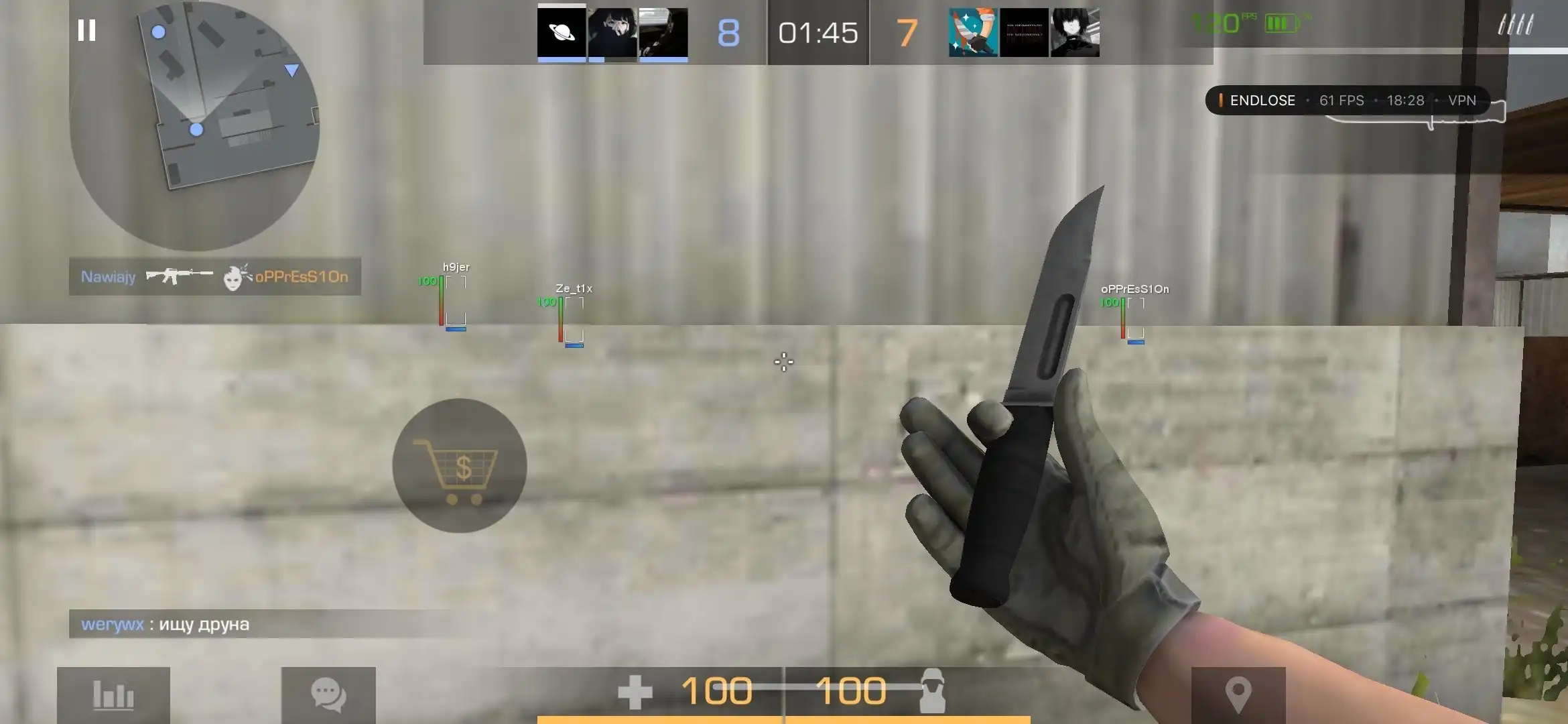
StandRise Rework 1.0 cheat for Android without root. The cheat includes the ESP feature.
16.11.2026
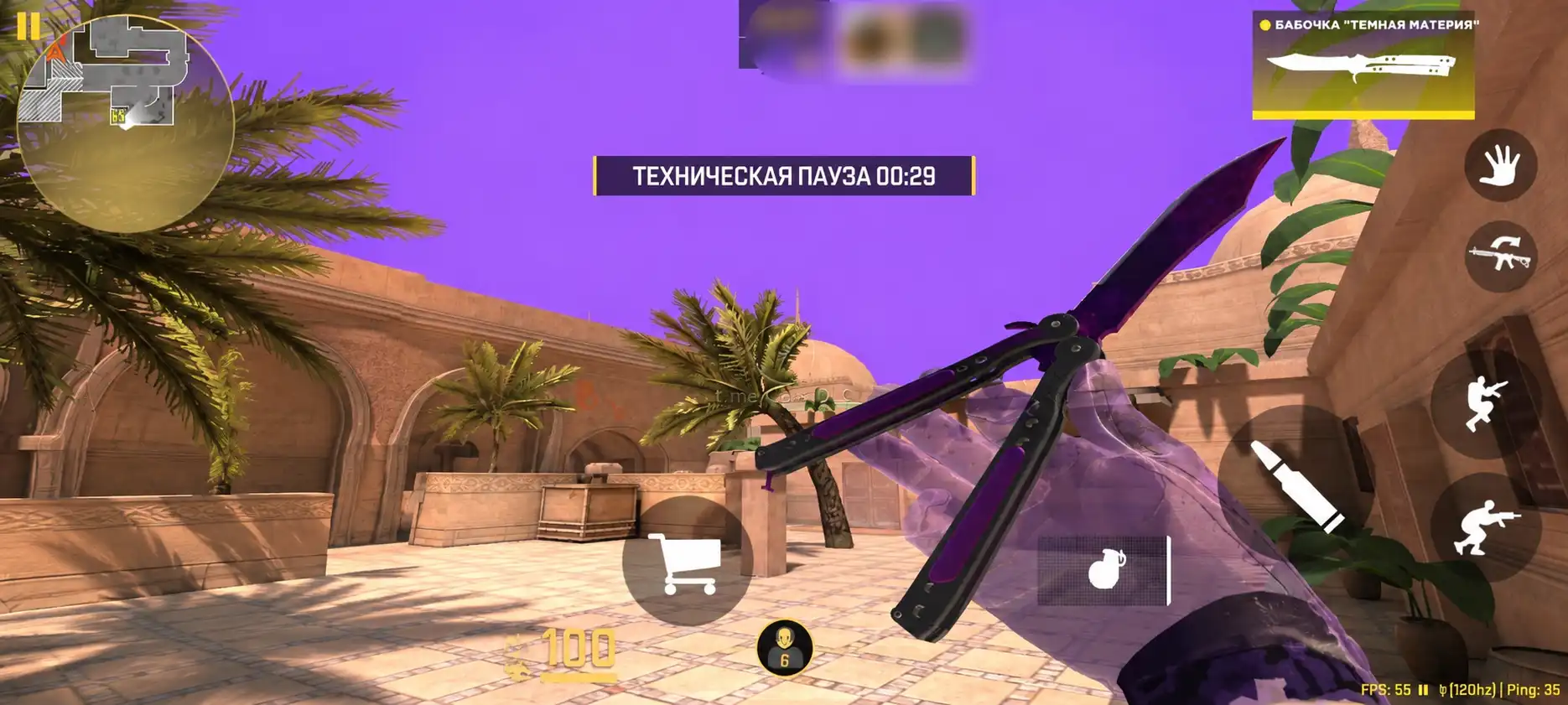
GasaiDLC Rapira Cheat (No Root 2026): ESP, AimBot, Silent Aim, SkinChanger, and more.
16.11.2026
Comments (2)
The first software that was downloaded
Try it, by the way, if you don't get Injectica, download another Bluestacks app from them on Telegram.
I recommend top software, it's good in HVH.
There are no comments yet. Be the first!