Free GHax cheat for CS2 with automatic offset update [WH, AIM]
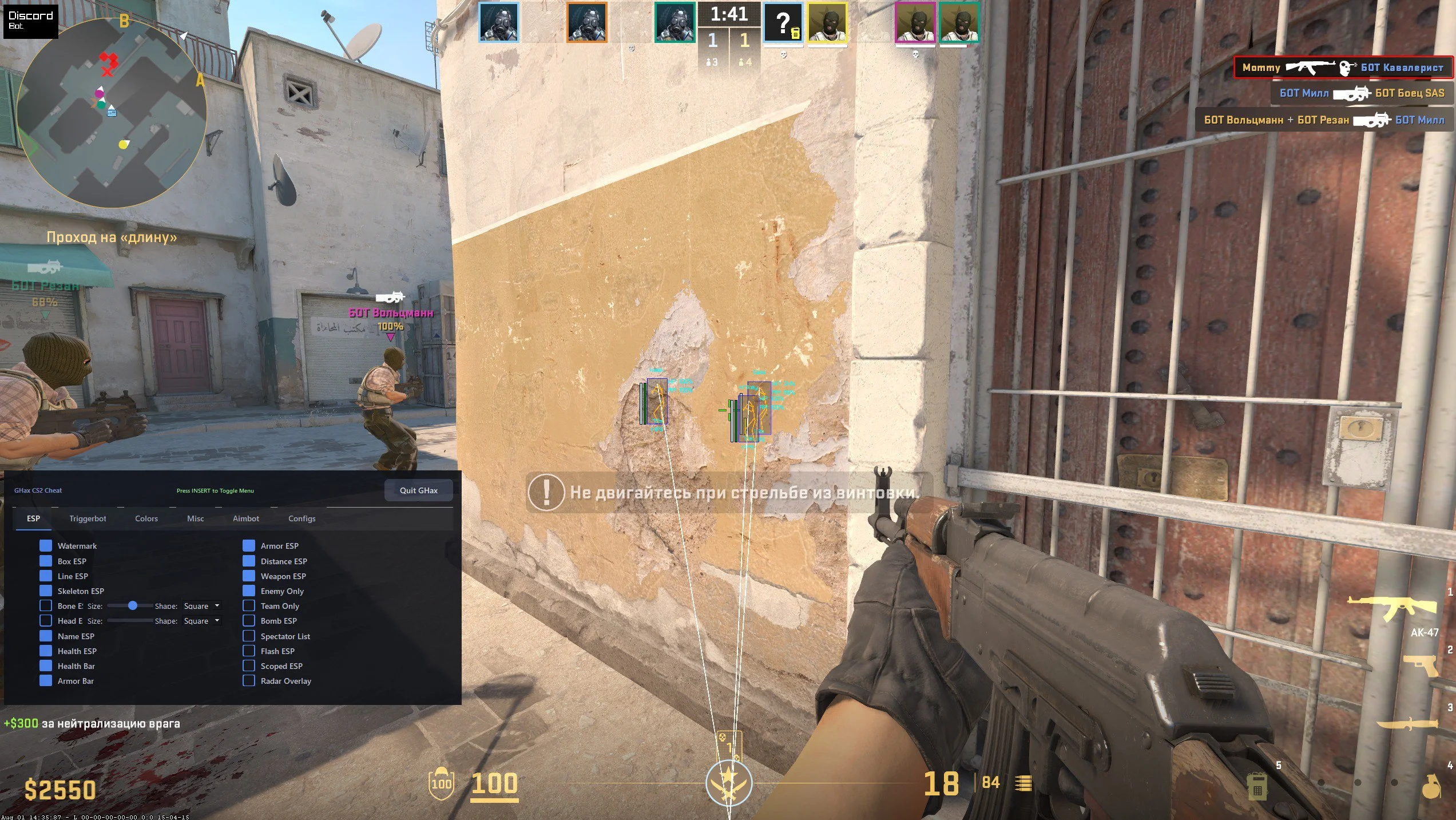
Download free External cheat for Counter Strike 2. This cheat for CS2 is written in the Python programming language and contains an offset auto-updater, i.e. you can update the cheat yourself for a new game update. The cheat for CS2 is suitable for legitimate play and has such functions as AIM, WH, Triggerbot, Bunnyhop and others.
with advertising
best cheats without ads
What is Counter Strike 2?
Counter-Strike 2 is the next generation of Valve's legendary shooter, updating the classic competitive shooter formula with the Source 2 engine . Everything now looks much more realistic—from smoke to explosions, lighting to textures. It's still the same familiar Counter-Strike, but with much smoother gameplay, reworked matchmaking, and improved physics. Suitable for both series veterans and newcomers.
What is External cheat?
An external cheat is a program that operates separately from the game , reading and displaying data through system memory. It doesn't integrate directly into the gameplay , as internal cheats do, making it less detectable by anti-cheat software. Examples of functions include ESP (reveals players through walls), automatic shooting, and so on.
Pros:
- Easier to use
- Reduced risk of blocking (if written correctly)
Cons:
- Usually slower than internals
- Less access to advanced features (eg no skinchanger)
What are offsets in CS2?
Offsets are coordinates in the game's memory that can be used to find the information you need: health, player coordinates, weapons, etc. Cheats need them to work: without up-to-date offsets, the program won't be able to "understand" where the required data is located.
After each CS2 update, offsets often change and need to be updated manually or with scripts , otherwise the cheat will stop working or crash the game.
Legit cheat functionality for CS2
- VX
- Nick, health, weapon
- Triggerbot
- Bunnyhop
- Player highlighting (Glow)
- No Flash
- Aimbot
- RCS
- Config system
- And other functions
How to install and run cheat on CS2
Run all code in the terminal (command line) in the folder with the cheat.
Brief instruction
- Install Python (version 3.10 and above).
- Install dependencies (below)
- Launch Counter Strike 2
- Launch
start.pyfor the first build and launch of the cheat. - After that you can use
launcher.pyfor normal startup.- (or run directly
GHax.py)
- (or run directly
- The menu opens with the key Insertion.
- The settings are configured via the GUI.
Installing dependencies
pip install keyboard requests pymem pyMeow pynput pyqt5 pywin32Launch the cheat
- Launch Counter Strike 2 game
- Enter the commands below
py start.pypy launcher.pyVideo with instructions on how to launch the GHax cheat for CS2
Fixing a bug in the GHax cheat on CS2 with the pyMeow module
When you launch the cheat, you may encounter this error:
ModuleNotFoundError: No module named 'pyMeow'
Below we tell you how to fix it:
- Follow this link:
https://github.com/qb-0/pyMeow/releases/tag/1.73.42 - Download the archive with the library source code.
- Without unpacking the archive, execute the command
pip install название_архиваDetailed installation instructions for pyMeow are available on GitHub.
Thereafter pyMeow will be installed correctly and the cheat will be able to use it without errors.
Obfuscation of the cheat for Counter Strike 2 (if you want to avoid detection)
Recommended:
- Use the
start.py(v3.3+) - obfuscation is enabled - Obfuscate the cheat using
Pyarmor
Example command for pyarmor:
pip install pyinstaller pyarmorOpen command prompt in the folder with all scripts and run
pyarmor gen --pack onefile GHax.pyHow to compile a cheat for CS2 into an .exe file
If you want to turn the cheat script on CS2 into a full-fledged one .exe-file, two tools will suit you: Nuitka or PyInstaller.
PyInstaller:
This is an easier to use option, but less secure - such assemblies are more easily recognized by antiviruses. To build one executable .exe-file, you need to specify hidden imports, otherwise the program will not build correctly.
Team sample:
pyinstaller --noconsole --name GHax --onefile --hidden-import=pymem --hidden-import=pymem.process --hidden-import=pyMeow --hidden-import=pynput.mouse --hidden-import=pynput.keyboard --hidden-import=win32gui --hidden-import=win32api --hidden-import=win32con --hidden-import=pywintypes --hidden-import=PyQt5.QtCore --hidden-import=PyQt5.QtGui --hidden-import=PyQt5.QtWidgets --hidden-import=requests --hidden-import=multiprocessing GHaxV3.0.pyNuitka:
This tool offers more reliable protection and serious obfuscation, but it often triggers antivirus software due to its strong encryption of the code's contents. Nevertheless, it's an excellent choice for maximum stealth.
Example command for Nuitka:
nuitka --onefile --windows-console-mode=disable --enable-plugin=pyqt5 --msvc=latest GHaxV3.0.pyUpdate offsets for cheat on CS2
If the cheat on CS2 stopped working after updating the game:
- Just run the file
offset_update.pywith open play. - Video instructions are available at the links below.
Since GHax 3.5, the offset updater is included in start.py. When you launch the cheat on Counter Strike 2, you will be asked if you want to update the offsets.
FAQ
No. GHax cheat does not drain trust in Counter Strike 2.
No cheat gives 100% protection from ban. However, with this cheat, getting banned is much less than with others.
Yes, it is perfect for legit play. It has everything for this - WH, Aim, Triggerbot. And also there are no rage functions.
Write to us on Telegram and we will try to help you.
Links
The file has been checked by experts - installation is completely safe.
This may result in your account being blocked and may spoil the experience for other players. We always recommend playing fair, following the official rules and enjoying a fair and exciting game.
F.A.Q.
What are game cheats and how do they work?
Cheats are special programs or modifications that allow you to change the game's behavior in favor of the player. With their help, you can, for example, get immortality, auto-aiming (aim), infinite resources and much more. Cheats work by changing the game's memory, introducing code or using vulnerabilities.
Is it safe to use cheats?
Using cheats always comes with risks. Firstly, you can get your account banned. Secondly, downloading from untrusted sites can lead to your PC being infected with viruses. We at Cheat Empire carefully check each cheat before publishing - you can be sure of its safety.
Can I get banned for using a cheat?
Yes, especially in online games with an active anti-cheat system (for example, Easy Anti-Cheat, BattleEye, VAC and others). To reduce the risk, use cheats only in single-player modes or follow the instructions for safe launch. We always indicate the risk level in the description of each cheat.
How to install cheats?
Installation instructions are included with each specific cheat. Usually, this involves downloading the archive, unpacking, and running the cheat before or after starting the game. Some cheats require injection into the game process using a loader. It is also important to run as administrator and disable the antivirus if it interferes.
Why does antivirus block cheat?
Some cheats are protected by cryptoprotectors to avoid detection by anti-cheat. These protective shells can cause false positives from antivirus. This is not a virus, but code protection. You can temporarily disable the antivirus or add the cheat to the exclusion list. All cheats on our site are checked before publication.
What programs need to be installed for the cheat to work correctly?
Most cheats require certain system libraries to run. Here's a list of what should be installed on your PC:
- Visual C++ Redistributable 2005–2022
- .NET Framework 4.5+
- DirectX (June 2010)
- DirectX SDK (for some cheats)
- WinRAR or 7-Zip for unpacking archives
If you get errors like this when you launch the cheat msvcp120.dll отсутствует, then the required library is missing.
Where can I get help?
If you have any issues launching or installing the cheat, you can always contact our support team. We respond promptly via our Telegram channel: @cheat_empire.
Similar Cheats
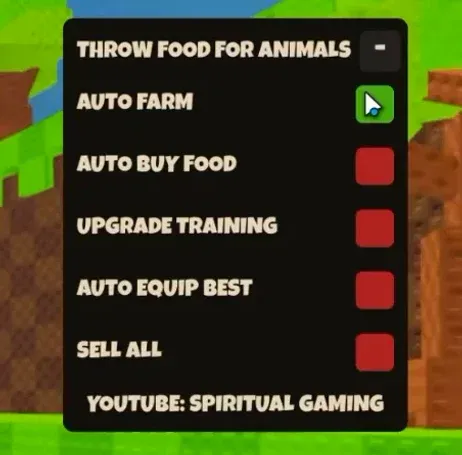
Download free cheats for Throw Animal Food in Roblox without a key! The scripts include auto-farming, auto-perfecting, auto-upgrading, and other features.
13.11.2026
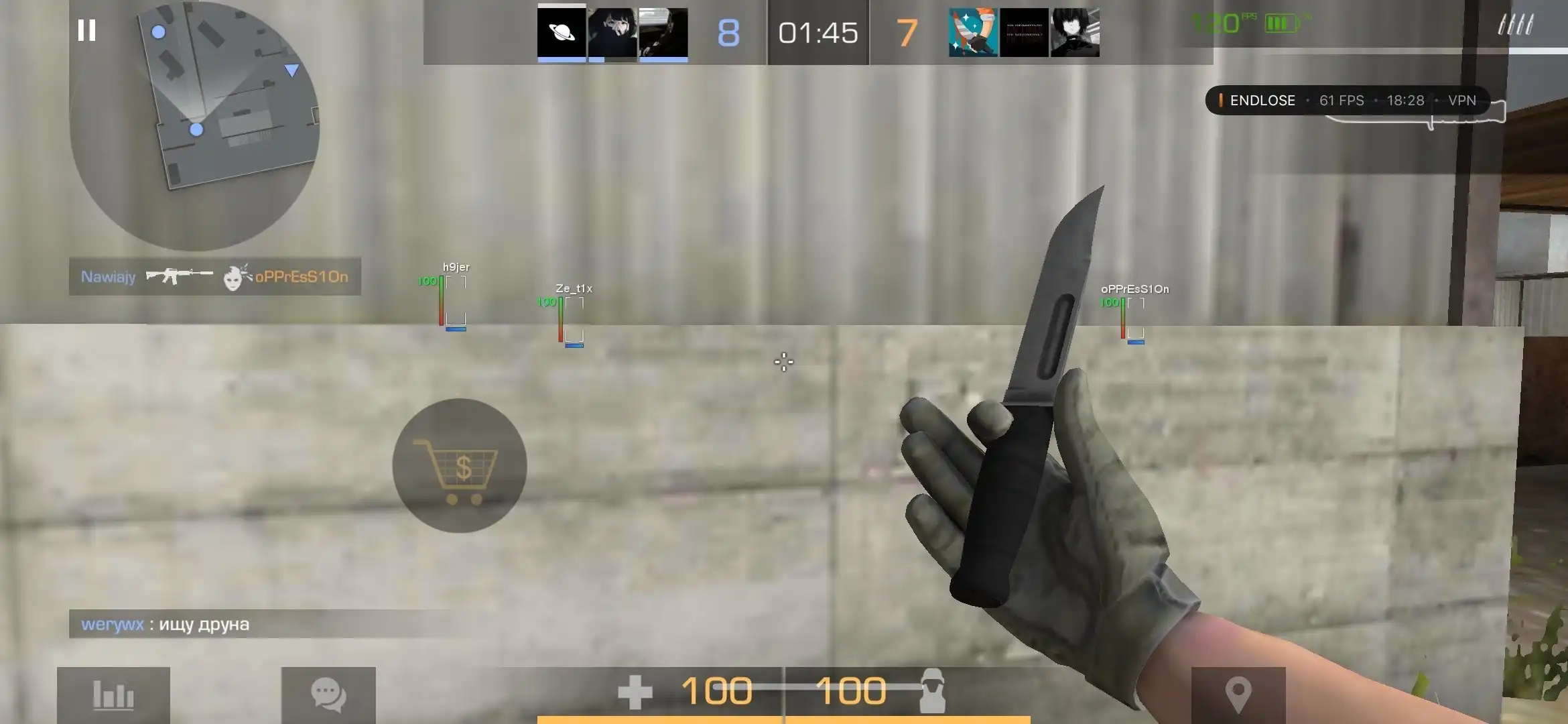
StandRise Rework 1.0 cheat for Android without root. The cheat includes the ESP feature.
11.11.2026
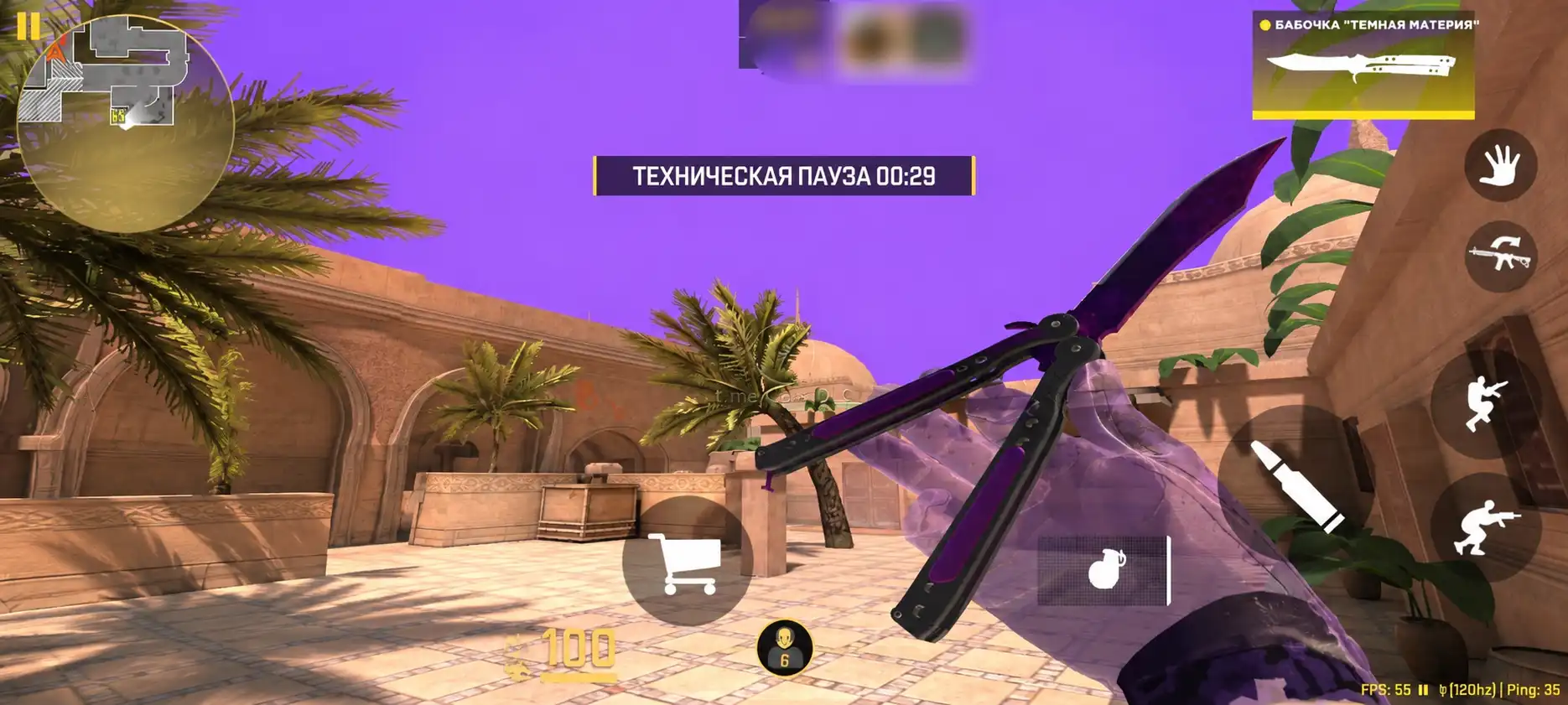
GasaiDLC Rapira Cheat (No Root 2026): ESP, AimBot, Silent Aim, SkinChanger, and more.
11.11.2026
Comments
There are no comments yet. Be the first!